EasyManua.ls Logo

Gewa G9 - Page 107

Gewa G9
180 pages
Print Icon
To Next Page IconTo Next Page
To Previous Page IconTo Previous Page
Loading...
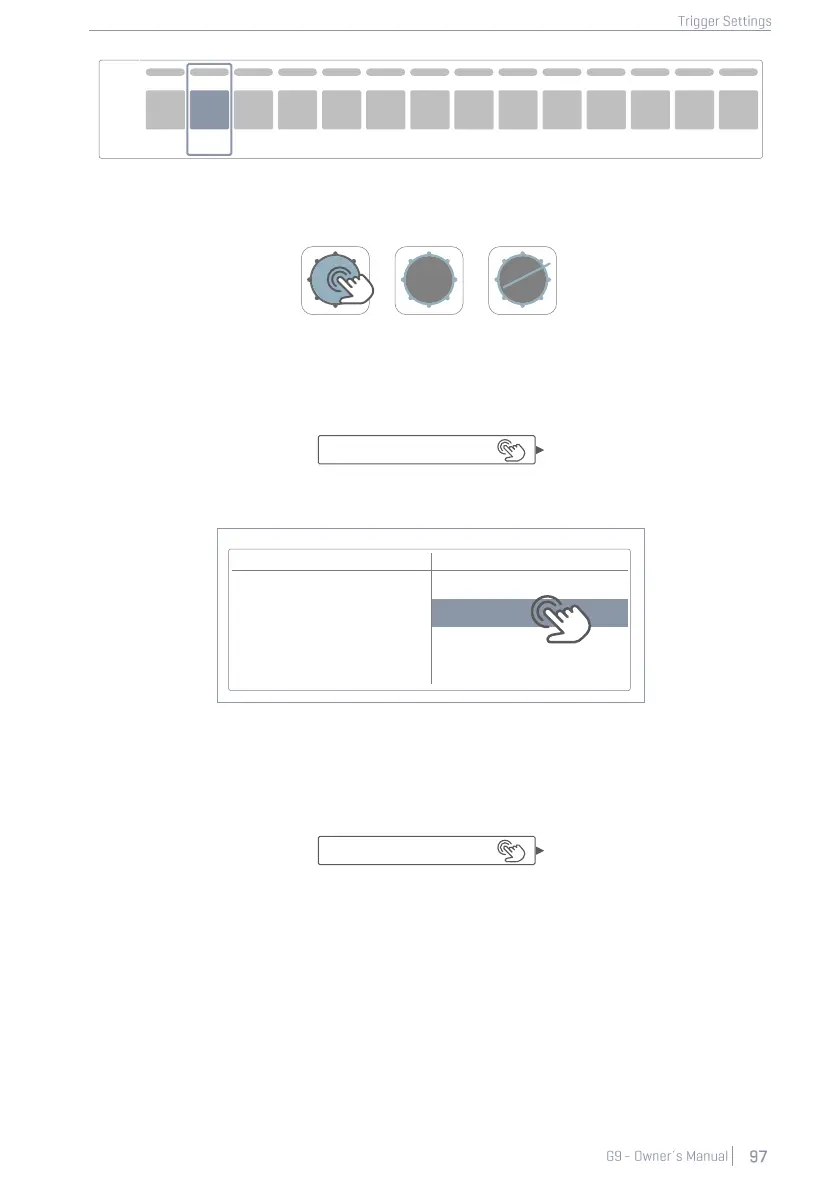
2. Select a component to edit by tapping the corresponding icon in module 2 (Trigger Selec-
tion).
3. Tap the function set Advanced Settings in module 3.
4. Tap once on the [Curve Settings] field.
5. Select one of the curves in the Presets or User column by double tapping.
Curve Settings
6. Save your changes by doing one of the following:
a. Directly in a Trigger Set Up:
i. Tap the Setup field (module 2).
ii. Highlight a user Setup where you want to store the curve and tap [Save]. Al-
ternatively tap [New] in the Feature Shelf to create a fresh Setup.
Presets
User
Linear
Custom 1
Convex 1
Custom 2
Convex 6
Custom 7
Kick
Peak
Input
Snare
Tom 1
Tom 2
Tom 3
Tom 4
Ride
Hi-Hat
Crash1
Crash2
Aux 1
Aux 2
Aux 3
Aux 4
Curve Settings
Linear
Setup
Custom Setup

Other manuals for Gewa G9

Related product manuals