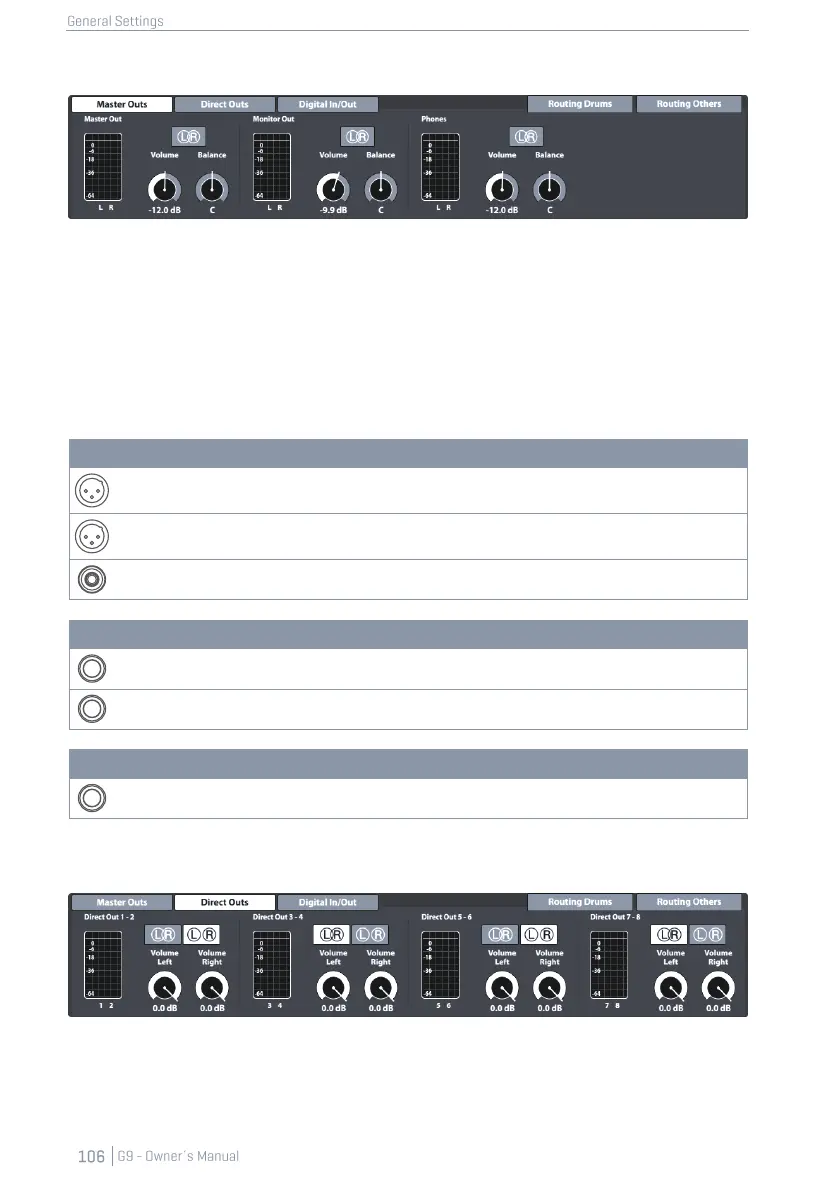
12.1.1 MASTER OUTS
This function set provides adjustments for the standard outputs of the console such as Master Outs
(XLR, S/PDIF), Monitor Outs or Phones. The volume dials are instances of the corresponding hardware
dials on the left-hand side. Consequently, values of the hardware dials will update when adjusting
the volume of an output in Master Outs. The Balance dials however can only be found in this loca-
tion, allowing for correcting acoustic properties of the environment or connected hardware. L/R
Buttons in this function set have only informative character. As mentioned above, these outputs are
exclusively stereo.
The following tables show the ports addressed by the adjustments made in this function set:
12.1.2 DIRECT OUTS
Adjustments of Direct Outs work in the same way as Master Outs, but with the exception that Direct
Outs can be configured as either Dual Mono outputs or Stereo outputs. The choice in configuration
will take effect in the routing matrix Routing Drums (see 12.1.4 Routing Drums & Routing Others on page 107).



 To Next Page