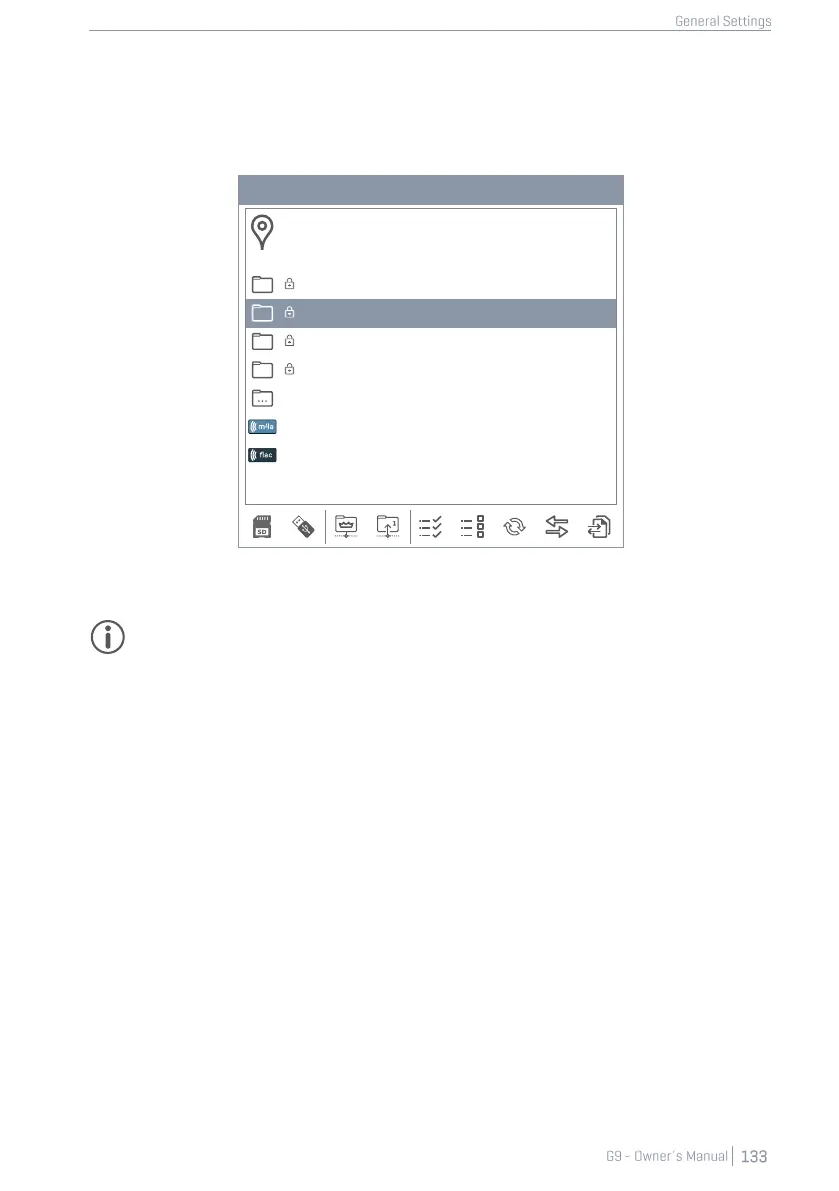
The relevant folder paths are:
• Firmware: INTERNAL SD/SYSTEM/Firmware
• Manuals: INTERNAL SD/SYSTEM/Manuals
Important: Note that the update routine requires a specific file naming convention and file
extension in order to work correctly. Please do not rename firmware files or change their file
extension (*.swu).
12.4.6.2.1 SOFTWARE UPDATE VIA USB
Proceed as follows:
1. Extract the downloaded files.
2. Copy the firmware (edrum_fw_*.swu) to the ROOT directory of your USB stick.
3. Turn off your G9 by pressing the [Power] button.
4. Plug the USB stick into the USB port of the front panel.
5. Turn the G9 on by pressing the [Power] button again and wait for the update to be com-
pleted (pop up with status message).
6. Remove the USB stick from the USB port.
7. Tap the [Reboot] button in the status message.



 To Next Page