8.3.1.2.6 VARI SPEED
The Tempo of the song playing can be altered by using the Vari Speed function. Tap once on the
[Vari Speed] dial and adjust the speed by dragging the fader up or down. The slider allows for
speeding up or slowing down by 50% compared to the recorded tempo. Note that even if the
speed varies, the pitch remains the same.
8.3.1.2.7 SONG VOLUME
Adjusts the volume of the Song Player relative to all other inputs.
8.4 MODULE 4
8.4.1 METRONOME
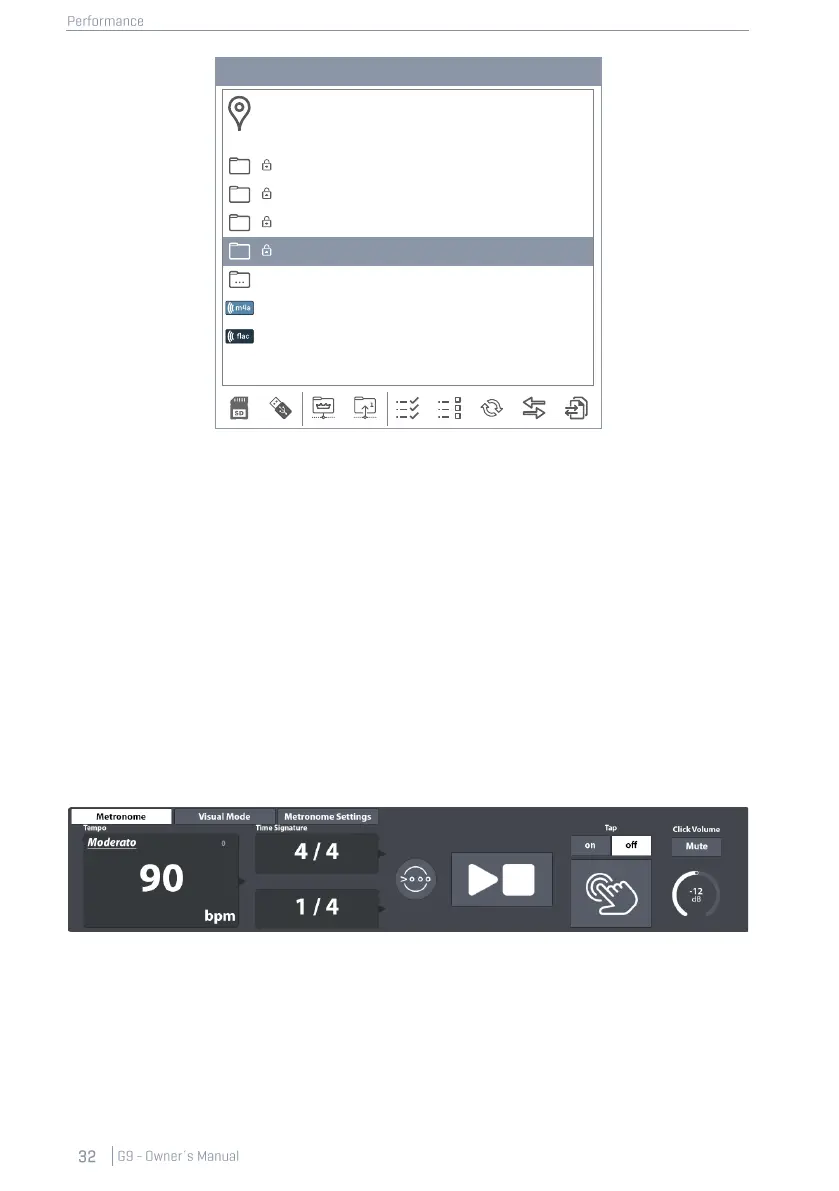
Set the Metronome Tempo by doing one of the following:
• Turn the physical dial at the top.
• Tap the software dial once and drag the fader.
• Tap once on the Tempo Field and set the metronome via the number pad that pops up.
• Tapping the [Tap] button periodically to set the tempo organically (Switch Tap on),
• Specify a custom tap channel parallel to the [Tap] button.



 To Next Page