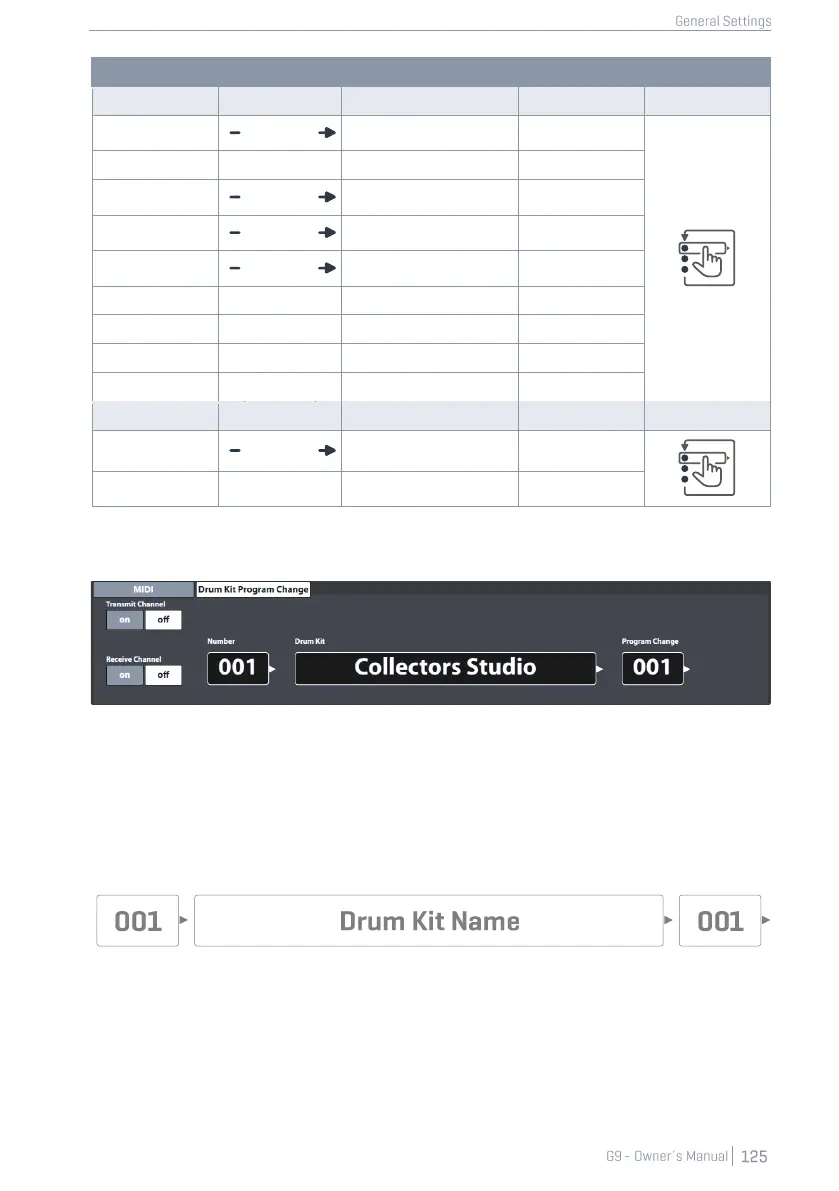
12.3.2 DRUMKIT PROGRAM CHANGE
This feature set defines the rules for MIDI program changes. Since the G9 is a rhythm device, it can´t
be compatible with the standard MIDI protocol. The programs to change are the drum kits available
in the Drum Kit Browser, where the Drum Kit index number equals the program.
Program assignments are displayed as a chain of Internal Program ➔ Internal Program Name (Drum
Kit) ➔ External Program. The direction, how this chain is read or applied is defined by the channel
switches (Transmit/Receive).
12.3.2.1 PROGRAM PAIRING
To pair an internal Program with an external MIDI Program, proceed as follows:
1. Choose an internal Program (Drum Kit) by doing one of the following:
a. Tap the [Number] field to enter a Kit Number using the number pad.



 To Next Page