b. Tap the [Drum Kit] field to choose a kit from the Drum Kit Browser by double tap-
ping.
2. Tap the [Program Change] field to enter a program number using the number pad.
3. (Optional) Repeat steps 1-2 for other drum kits.
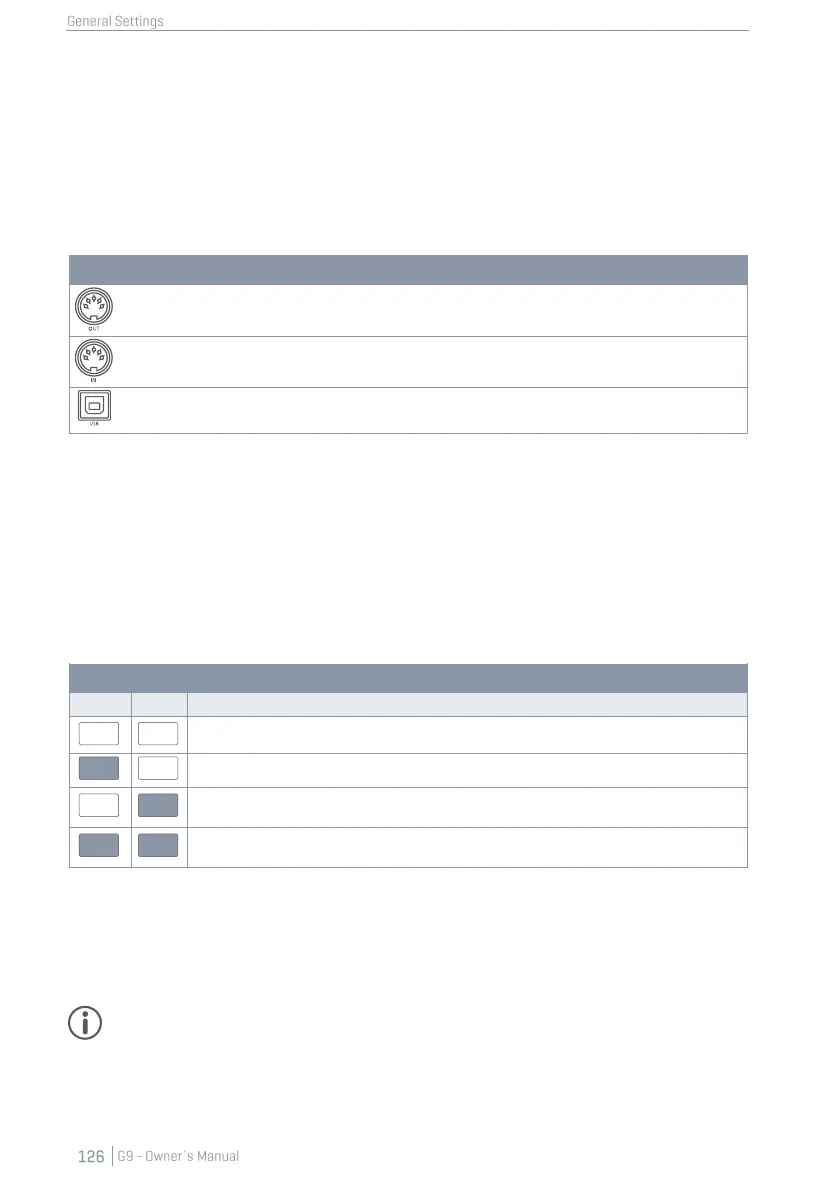
The settings of the function set apply to the following ports of the rear panel. Make sure that the G9
is connected to the external device in order to let the settings have effect:
12.3.2.2 CHANNELS (TRANSMIT/RECEIVE)
The channels available are:
• Transmit Channel
• Receive Channel
Both channels can be turned [on] or [off] resulting in different applications of the of MIDI program
assignment:
Channel States and Effects
Turns program change off completely (default).
Only the G9 controls programs of external MIDI devices by changing the drum kit.
The G9 only reacts to external MIDI program changes by changing the kit according to the
linkage of programs in program chain.
Change programs of external devices and accept the drum kit to be changed by external
MIDI program changes.
Turn Transmit Channel on, if you like to change MIDI programs of external devices by changing your
drum kit. Turn on Receive Channel if you want your drum kits to be changed by external MIDI devic-
es. Turn on both channels, if you want to be able to change other device programs by changing
the kit and at the same time accept your kit to be changed depending on a change of external
programs.
Hint: Assignments made in this function set will be stored in the device database and are
remembered on next start-up.



 To Next Page