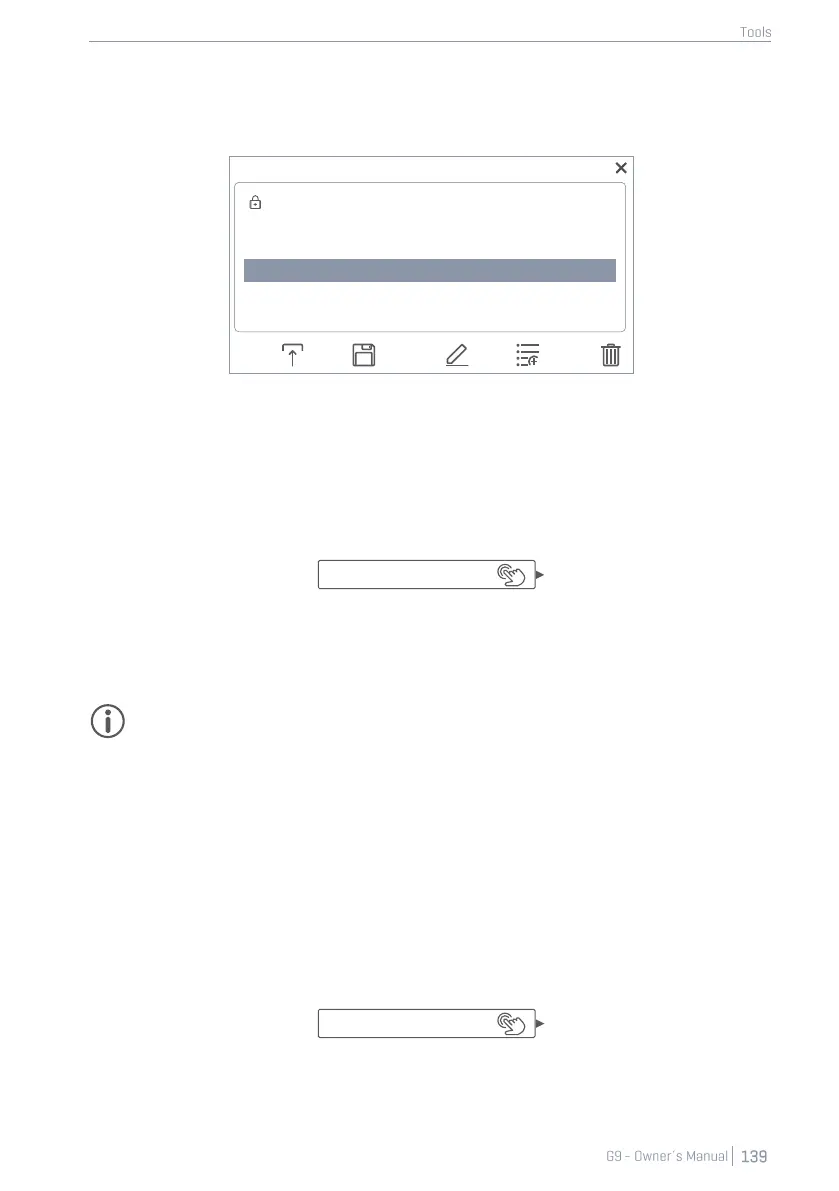
i. Highlight a list entry (Tap once).
ii. Tap [Load] in the Feature Shelf.
b. Double tap a list entry.
13.1.3.2 NEW SETLISTS
Proceed as follows:
1. Load a preset to start from.
2. Edit the tiles as desired (The Setlist Editor field updates to ”Custom Setup”).
3. Tap the [Setlist Editor] field to open the setlist browser.
4. Tap [New] in the Feature Shelf.
5. Name the new setlist using the keyboard.
6. Tap [OK] to confirm.
Hint: It is possible to create a new setlist before editing the tiles: Load a preset to start from,
open the preset browser again and tap [New]. After that you can edit the tiles and overwrite
the preset with [Save].
13.1.3.3 SAVE SETLISTS
Save allows for saving edits of a setlist as well as overwriting presets in the setlist browser with the
values of the current tile set. This option is only available for user setlists.
Proceed as follows:
1. Load a preset to start with.
2. Edit the tiles as desired (The Setlist Editor field changes to ”Custom Setup”).
3. Tap the [Setlist Editor] field to open the setlist browser.
4. In the preset browser highlight a user setlist to be overwritten (tap once).
5. Tap [Save] in Feature Shelf.



 To Next Page