13.5.2 IMPORT CUSTOM SAMPLES (SINGLE LAYER)
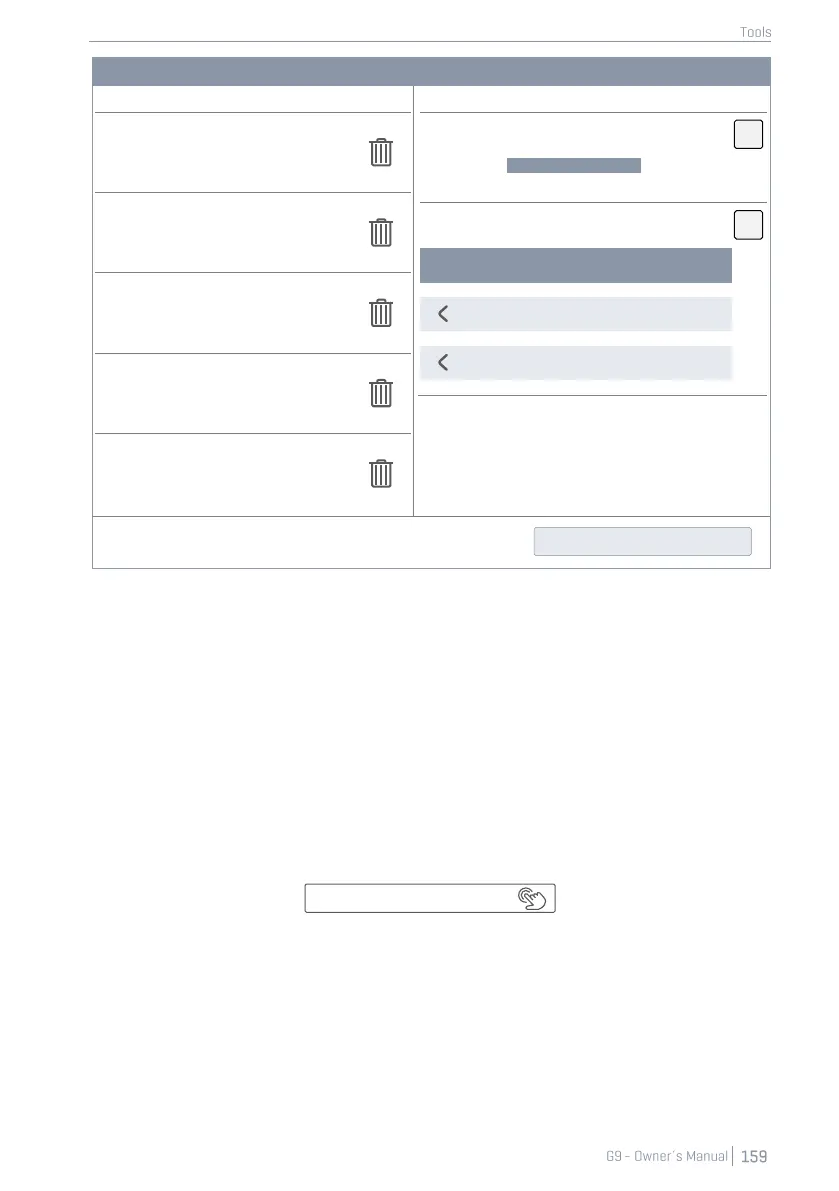
To import your custom samples, proceed as follows:
1. Go to Tools ➔ Import Tool
2. Tap [Import wav samples] to open the File Select browser.
3. Select a source (USB or internal SD card).
4. Browse to your directory with the desired samples.
5. Select a sample file by double tapping.
6. Observe the Library column until the import is completed (a trash can appears next to the
imported file).
7. Go to Kit Editor ➔ Module 2 ➔ Sound Select and assign imported sounds via the Sound Brows-
er.
The File Select browser is explained in detail in Performance mode (see section 8.3.1.1 File Select Browser
on Page 28).



 To Next Page