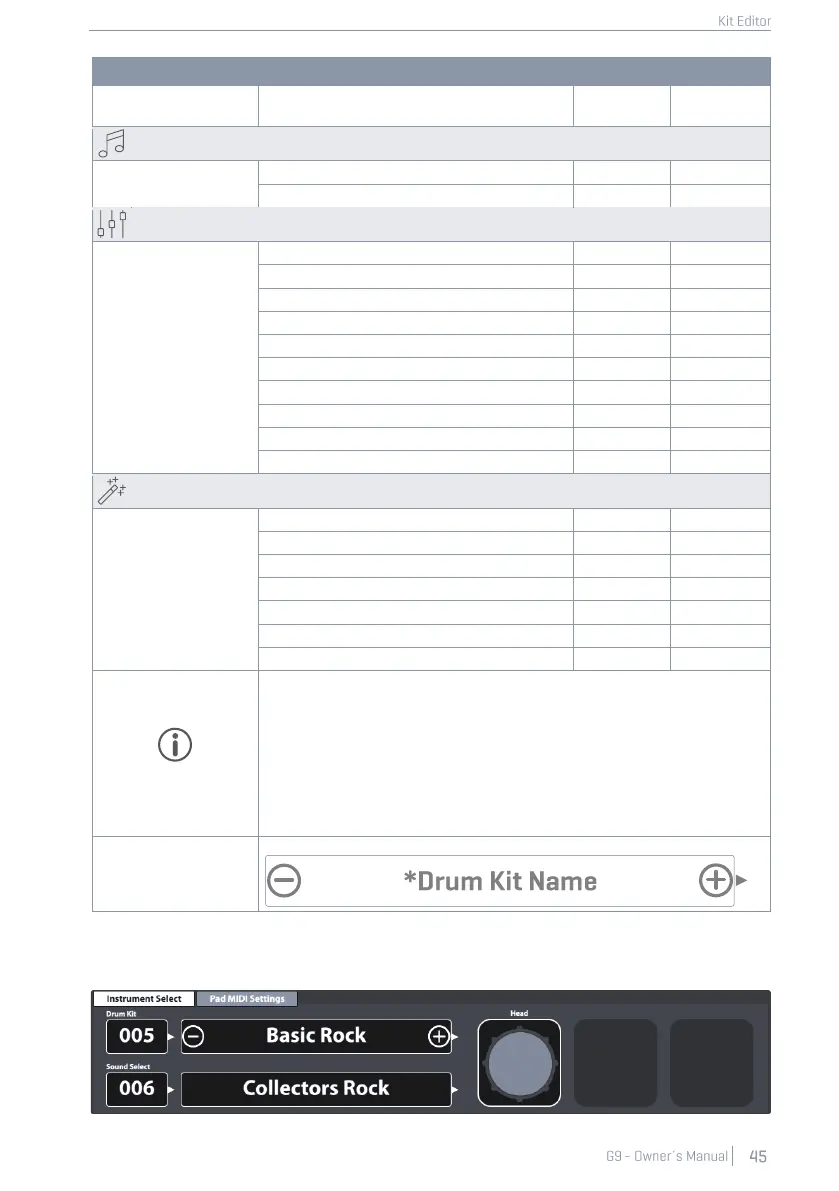
Drum Kit Parameters -Complete List
Snare Style – all related parameters
All sound referencing per channel
All Mix/ Effect Sends parameters
All Sound Edit parameters
All Second Sound parameters
All Hi-Hat Volume parameters
Pad EQ - All curve parameters
Pad Compressor- On/Off switch
All Compressor parameters
Gate Threshold (Instrument Reverb)
Send to Room Reverb (Multi FX)
Every other FX 2-4 parameter |…|
Any change in value of one or more of the parameters shown above will
cause the drum kit name to update. A preceding asterisk (*) will be
added to the drum kit name in all Drum Kit fields in the user interface. The
asterisk is a reminder to save the drum kit before changing it, so that
altered kit parameters are retained.
Instances of the Drum Kit field are in:
Performance ➔ Module 1 ➔ Drum Kit
Kit Editor ➔ Module 2 ➔ Drum Kit
All relevant drum kit parameters of the Kit Editor can be found in modules 3 and 4 including the
sound referencing of the Sound Select field (module 2).



 To Next Page