9.2.1.7.1 EXPORT
The export of a drum kit is straight forward. Tapping the [Export] icon in the feature shelf will store a
copy of the drum kit in the default export folder on the internal SD Card. The corresponding directo-
ry path is:
INTERNAL SD/SYSTEM/DrumKits
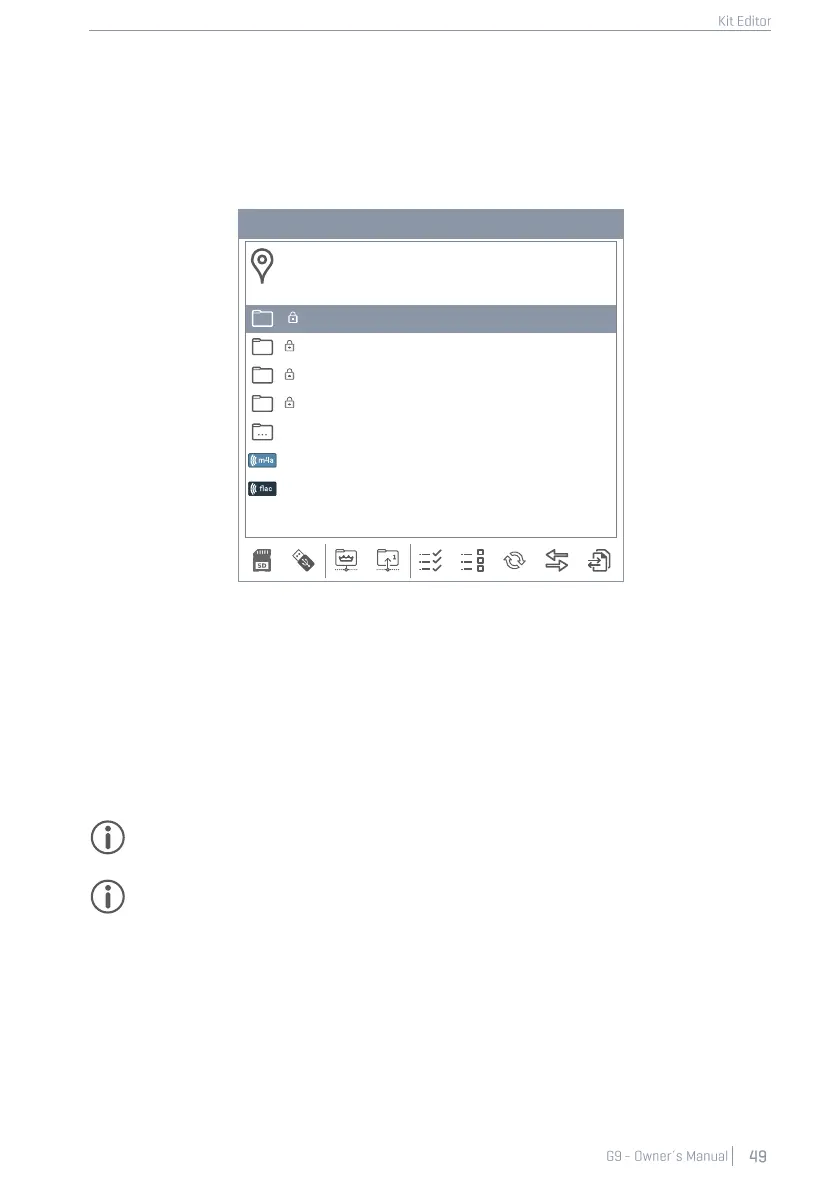
System Folders in File Manager
Custom User Folder with content
Copied Song in m4a Format.m4a
Use the File Manager to copy the exported drum kit on a USB stick for import in other G9 devices (See
13.3 File Manager on page 145).
To export a drumkit in gdk file format proceed as follows:
1. Tap the [Drum Kit] name field to open the Drum Kit Browser.
2. Highlight the drum kit to be exported in the drop- down list (tap once).
3. Tap [Export] in the Feature Shelf.
A success message appears, and the drum kit is stored in the default drum kit folder.
Tip: Tap the [Import] button in the feature shelf to verify the successful export. The import
browser by default opens the standard export directory (DrumKits).
Hint: A factory reset of the G9 will retain all data stored on the internal SD card. Your drum kit
backups are protected.



 To Next Page