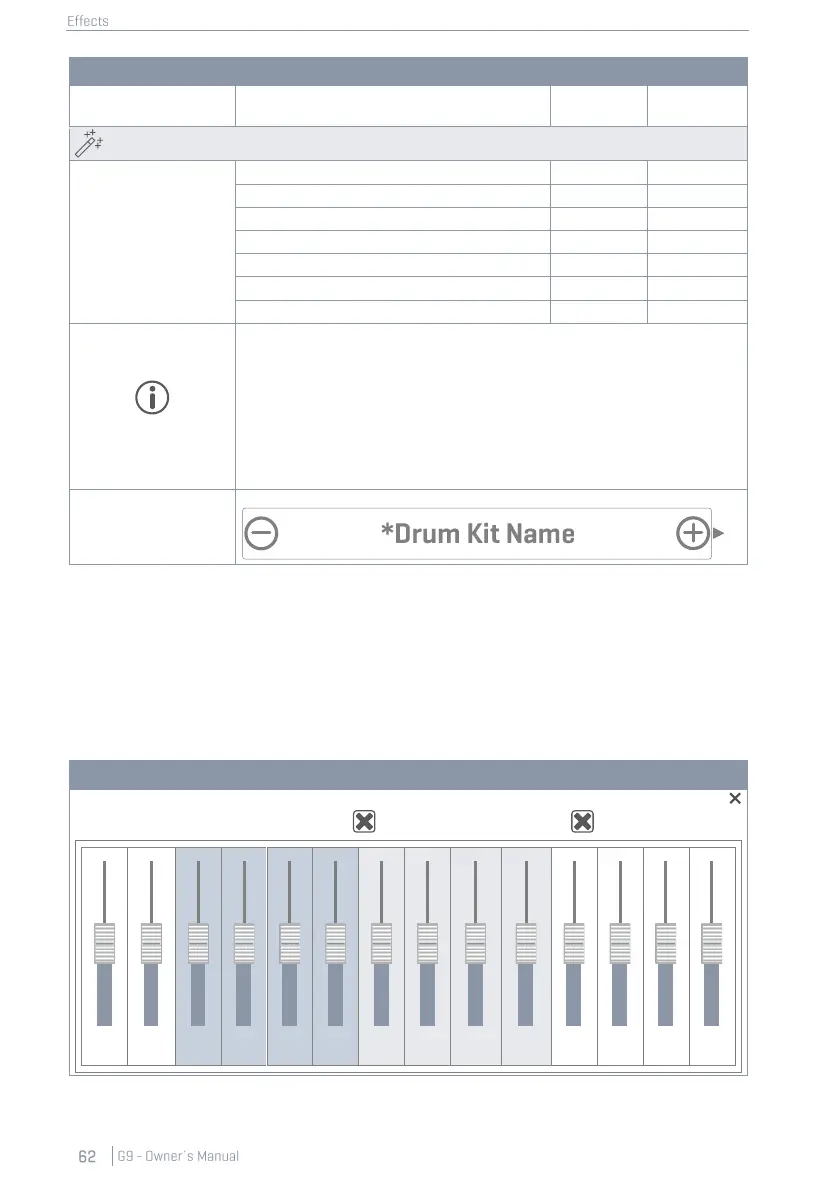
Drum Kit Parameters -Effects
Gate Threshold (Instrument Reverb)
Send to Room Reverb (Multi FX)
Every other FX 2-4 parameter |…|
Any change in value of one or more of the parameters shown above will
cause the drum kit name to update. A preceding asterisk (*) will be
added to the drum kit name in all Drum Kit fields in the user interface. The
asterisk is a reminder to save the drum kit before changing it, so that
altered kit parameters are retained.
Instances of the Drum Kit field are in:
Performance ➔ Module 1 ➔ Drum Kit
Kit Editor ➔ Module 2 ➔ Drum Kit
10.2 EFFECTS MODULES – MUTUAL PARAMETERS
Every module of this mode can be switched on and off by the corresponding button on the left-
hand side of the module. These buttons also have an instance in the Kit Editor, to preview effects
without switching the mode. Level dials control the volume of each module, whereas FX Sends
mixers allow for adjusting effect volumes of each pad individually. In other words: FX Sends control
the effect “volumes” of the pads in relation to each other.
FX Sends Multi Effects with switchable Dry Signal:



 To Next Page