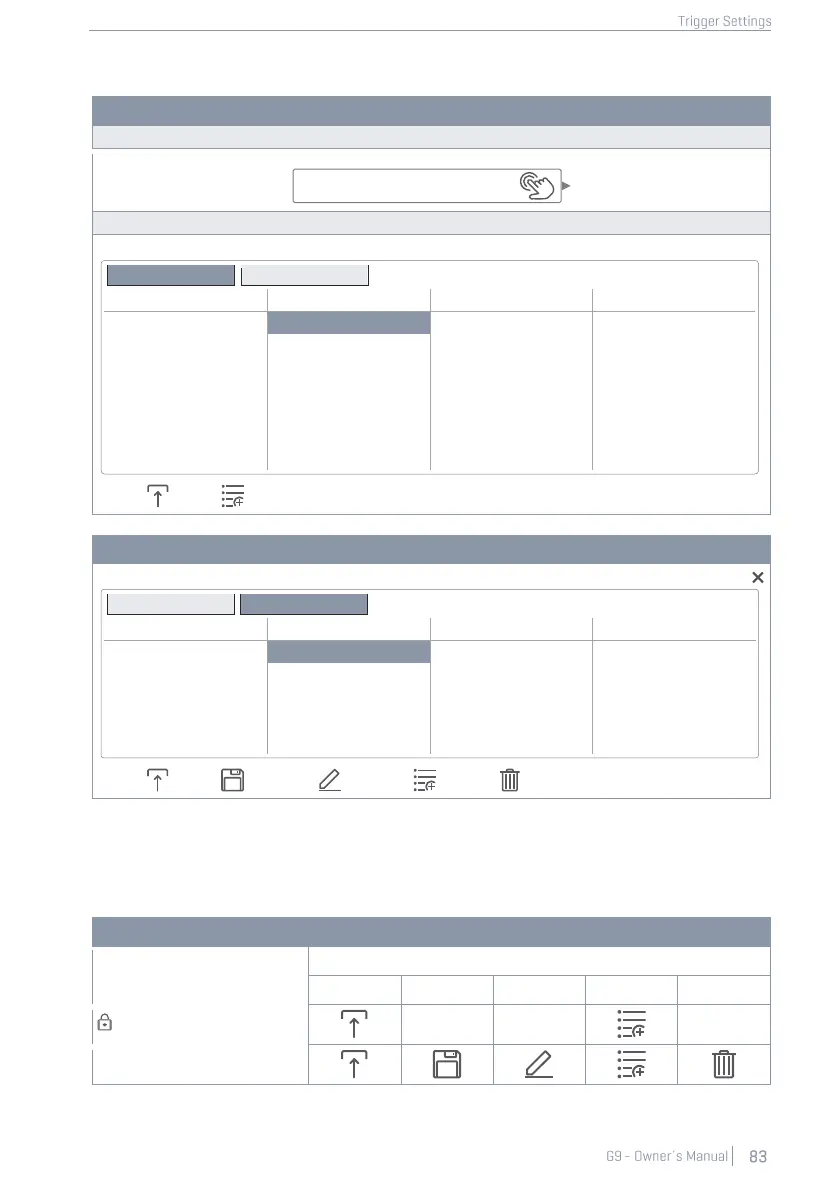
In case of Trigger Banks, the corresponding preset browser is structured as follows:
Trigger Bank - Preset Field and Browser
Preset Browser – Trigger Bank Factory
Preset Browser – Trigger Bank User
At the bottom of each list, you will find all functions applicable for each group of presets, depend-
ing on the highlighted entry. Regarding user presets, the palette of options is extended, since factory
presets are not editable. Tap on a user preset or factory preset in the preset select dialog for com-
parison. The following table for gives an overview of the functions available:
Preset Management -Feature Shelf
The next sections discuss the functionalities of the feature shelf.



 To Next Page