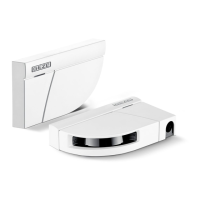
Setting GS342 using a remote control (optional) GC 342 safety sensor
30
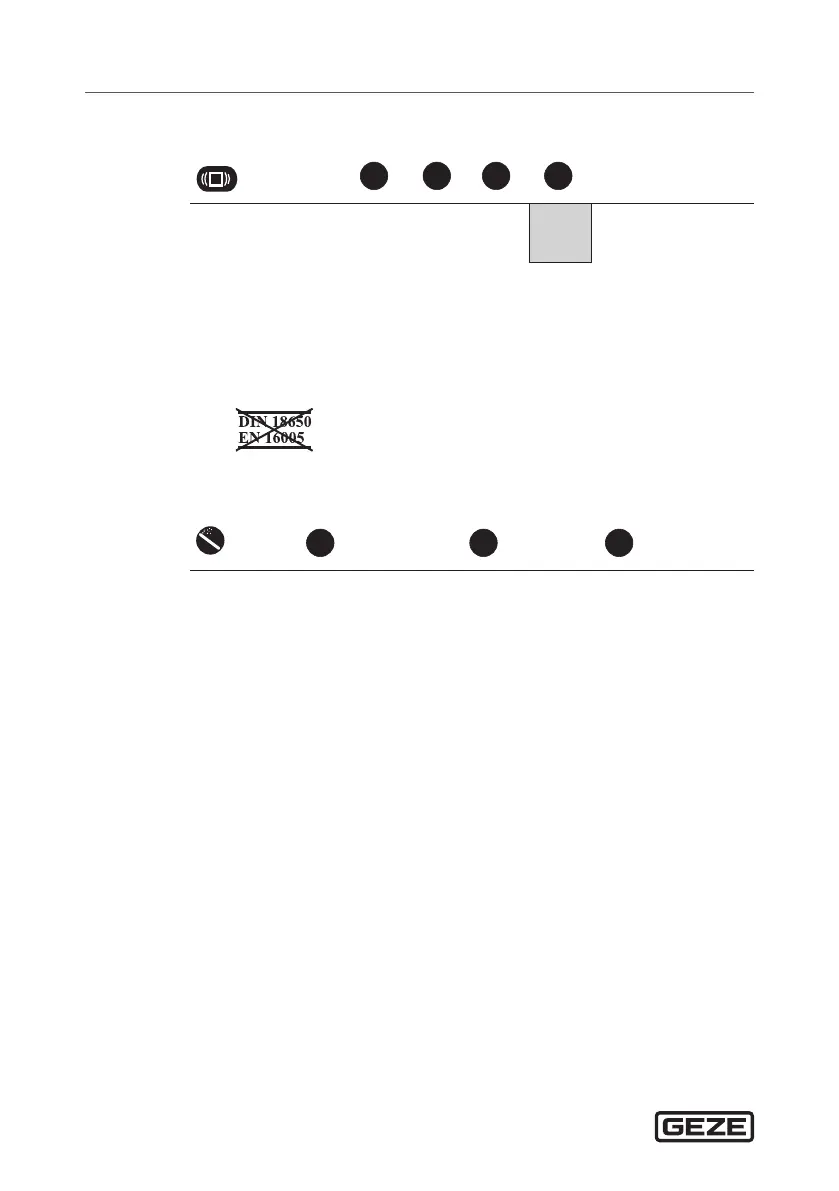
Antimasking & background
DIP 3 = ON
0 1 2 3
Antimasking OFF * OFF * ON ON
Background OFF ON OFF ON
à Antimasking:
Detects unwanted objects near the laser window which mask the viewing
eld.
à Background:
Reference point in the detection area of the sensor.
Switch the function o if there is no background present.
*)
General information
0 8 9
Teach-in Full reset Partial reset
See Page 21 Complete reset
to factory settings
Reset to factory
settings except eld
dimensions and out-
put congurations


 To Next Page
 Loading...