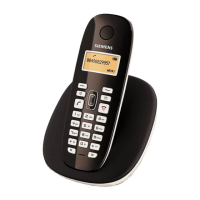
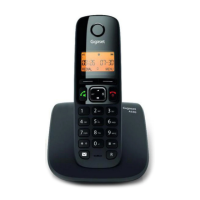
Gigaset A690-A690A/AS690-AS690A / LUG-Kombi UK-IE/IM-Ost/GR en / A31008-M2816-L101-1-7619 / starting_Kombi.fm /
Template Module, Version 1.2, 11.09.2018
Getting started
11
Setting date and time
Set the date/time so that the correct date and time can be assigned to incoming calls and to
enable the alarm to be used.
¤ Menu Settings OK Date/Time OK Enter the date (day, month and year)
in 6-digit format OK Enter the time (hours and minutes) in 4-digit format OK
(Display: Saved)
Moving the input position to the left or right:
Press the control key to the left/right
Your phone is now ready for use



 To Next Page