Template Module, Version 1.2, 11.09.2018,
Manufacturer‘s advice
Gigaset A690-A690A/AS690-AS690A / LUG-Kombi UK-IE/IM-Ost/GR en / A31008-M2816-L101-1-7619 / appendix.fm / 2/26/
42
Disposal
Batteries should not be disposed of in general household waste. Observe the local waste disposal regulations,
details of which can be obtained from your local authority.
All electrical and electronic equipment must be disposed
of sepa
rately from general household waste using
the sites designated by local authorities.
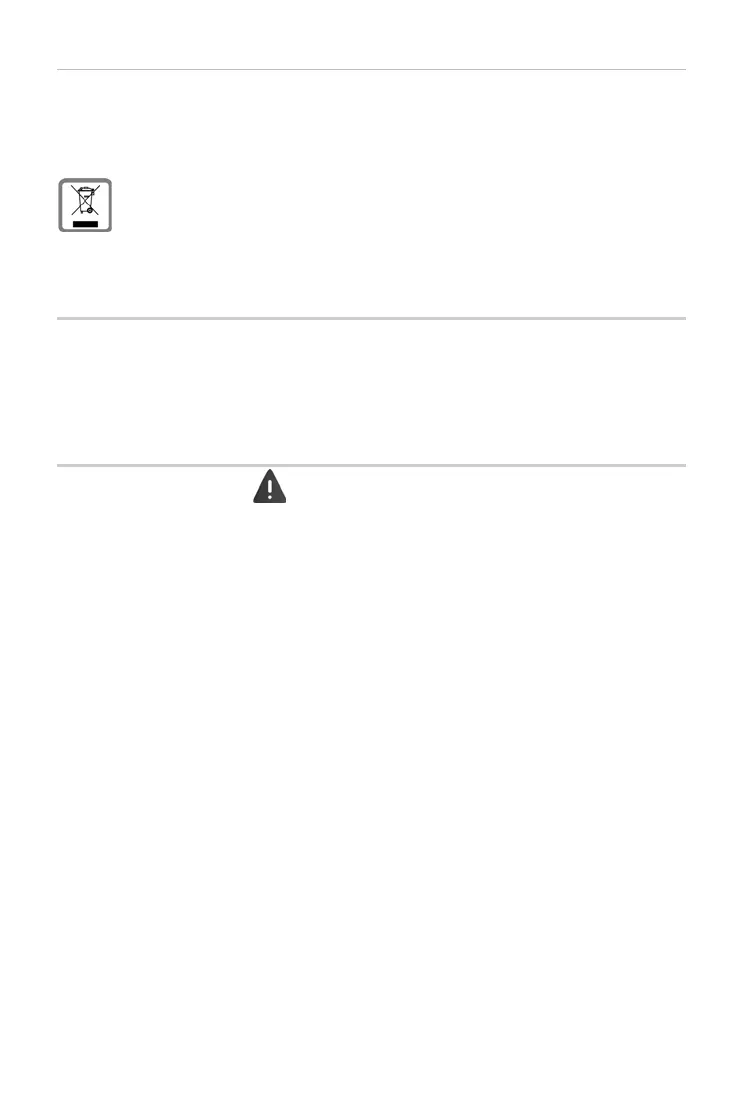
If a product displays this symbol of a crossed-out rubbish bin, the product is subject to European
Directive 2012/19/EU.
The appropriate disposal and separate collection of used equipment serve to prevent potential
h
arm
to the environment and to health. They are a precondition for the re-use and recycling of
used electrical and electronic equipment.
For further information on disposing of your used equipment, pl
ease contact your local authority or your
refuse collection service.
Care
Wipe the device with a damp cloth or an antistatic cloth. Do not use solvents or microfibre cloths.
Never use a dry cloth; this can cause static.
In
rare cases, contact with chemical substances can cause c
hanges to the device’s exterior. Due to the wide
variety of chemical products available on the market, it was not possible to test all substances.
Impairments in high-gloss finishes can be carefully removed using display polishes for mobile phones.
Contact with liquid
If the device comes into contact with liquid:
1 Unplug all cables from the device.
2 Remov
e the batteries and leave the battery compartment open.
3 Allow the liquid to drain from the device.
4Pat all parts dry.
5 Place the device in a dry, warm place for at least 72 hours (not in a microwave, oven etc.) with the battery
compartment open and the keypad facing down (if applicable).
6 Do not switch on the device again until it is completely dry.
When it has fully dried out, you will normally be able to use it again.



 To Next Page