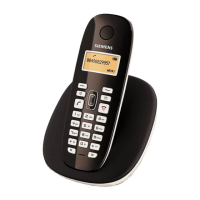
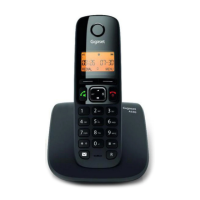
Gigaset A690-A690A/AS690-AS690A / LUG-Kombi UK-IE/IM-Ost/GR en / A31008-M2816-L101-1-7619 / applications.fm / 2/
Template Module, Version 1.2, 11.09.2018
Additional functions
29
Disabling radiation in idle mode
These wireless signals are also disabled with the No Radiation setting.
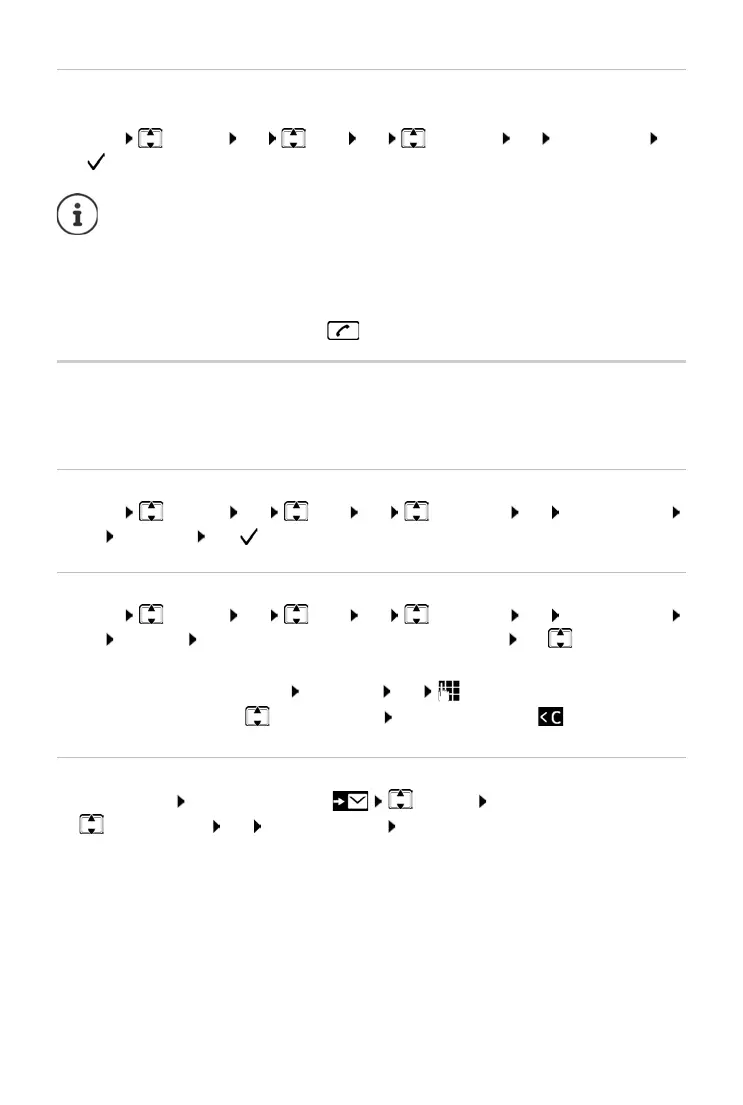
¤ Menu Settings OK Base OK ECO DECT OK No Radiation OK
(
= Radiation disabled)
Protection from undesired calls
You can enter up to 32 numbers in a black list. When the black list is enabled, calls from black list
numbers are not signalled acoustically. These settings apply to all registered handsets.
Enabling/disabling the black list
¤ Menu Settings OK Base OK Additional OK Call Protection
OK Activation OK ( = enabled)
Displaying/editing the black list
¤ Menu Settings OK Base OK Additional OK Call Protection
OK Black List OK . . . the list of blocked numbers is displayed use to scroll through
the list
Transferring a number from a call list to the black list
Open the call list: Press the Display key CallsList OK
¤ Select an entry OK Copy to Blacklist OK
All handsets registered must support this feature.
For speedy set-up of connections for incoming calls, the handset keeps switching to
“ready to receive” momentarily. This increases the power consumption and so
reduces the standby and talk times.
When No Radiation is enabled, there is no range display / range alarm on the
handset. Contactability can be tested by attempting to establish a connection.
¤ Press and hold the Talk key . . . the ringing tone sounds.
Create an entry:
¤ Menu New Entry OK enter the number
Delete entry:
¤ Select the entry Press the display key



 To Next Page