Template Module, Version 1.2, 11.09.2018,
Directory
Gigaset A690-A690A/AS690-AS690A / LUG-Kombi UK-IE/IM-Ost/GR en / A31008-M2816-L101-1-7619 / telephony.fm / 2/26/
22
Selecting a directory entry
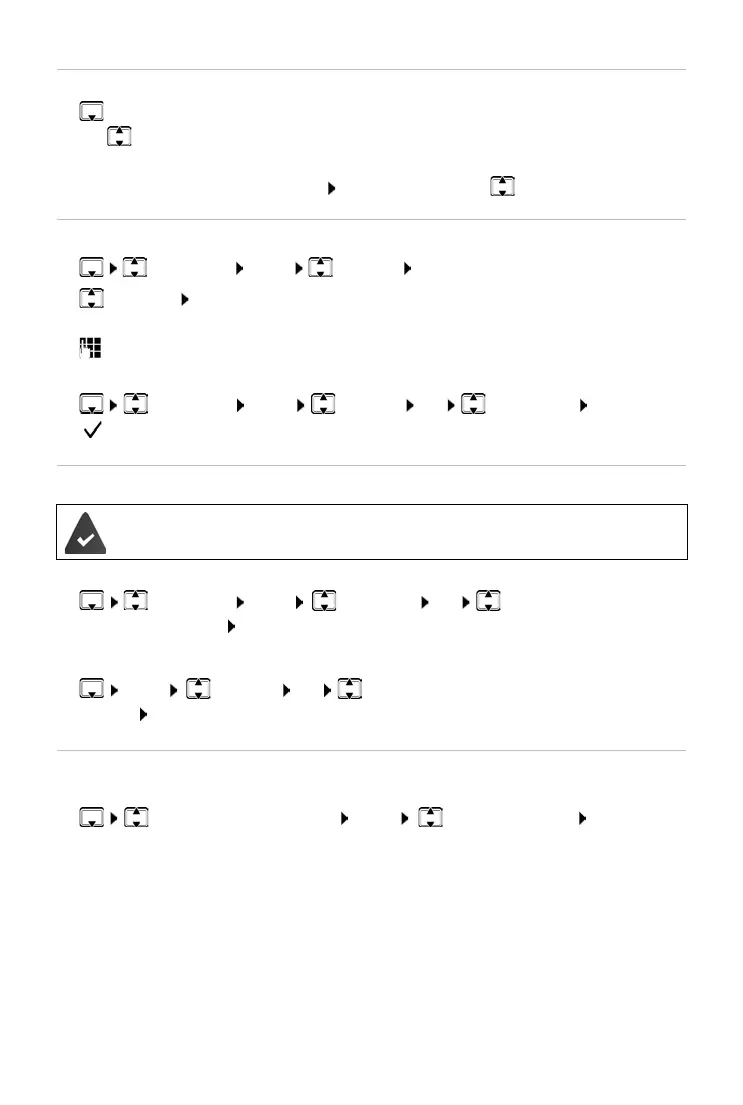
¤ Open the directory
¤ Use to scroll to the entry until the required name is selected.
or
¤ Enter the first character of the name scroll as required with to the entry.
Assigning quick-dial keys
¤ Select entry Menu Shortcut OK
¤ Select key OK
or
¤ Press the key for which the entry is to be saved
Clearing a key assignment:
¤ Select entry Menu Shortcut OK No Shortcut OK
( = selected)
Transferring a directory (entry) to another handset
Transferring a directory entry to another handset
¤ Select entry Menu Send Entry OK Select internal number of
the recipient handset OK
Transferring a directory to another handset
¤ Menu Send List OK Select internal number of the recipient
handset OK
Additional functions
Additional functions for directory entries and the whole directory:
¤ Select the entry as required Menu Select the function OK
The sending and receiving handsets must both be registered with the same base.
The other handset and
the base are able to send and receive directory entries.
Show Number Display the number of the directory entry selected
Show Name Display the name of the directory entry selected
Edit Entry Edit the number or name of the directory entry selected
Use Number Dial number
Delete Entry Delete the selected entry
Delete List Delete the whole directory



 To Next Page