Gigaset E290-E290A / LUG-Kombi CH en / A31008-M2901-F101-1-2X19 / starting.fm / 5/5/20
Template Module, Elderly, Version 1.1, 01.04.2019
Getting started
17
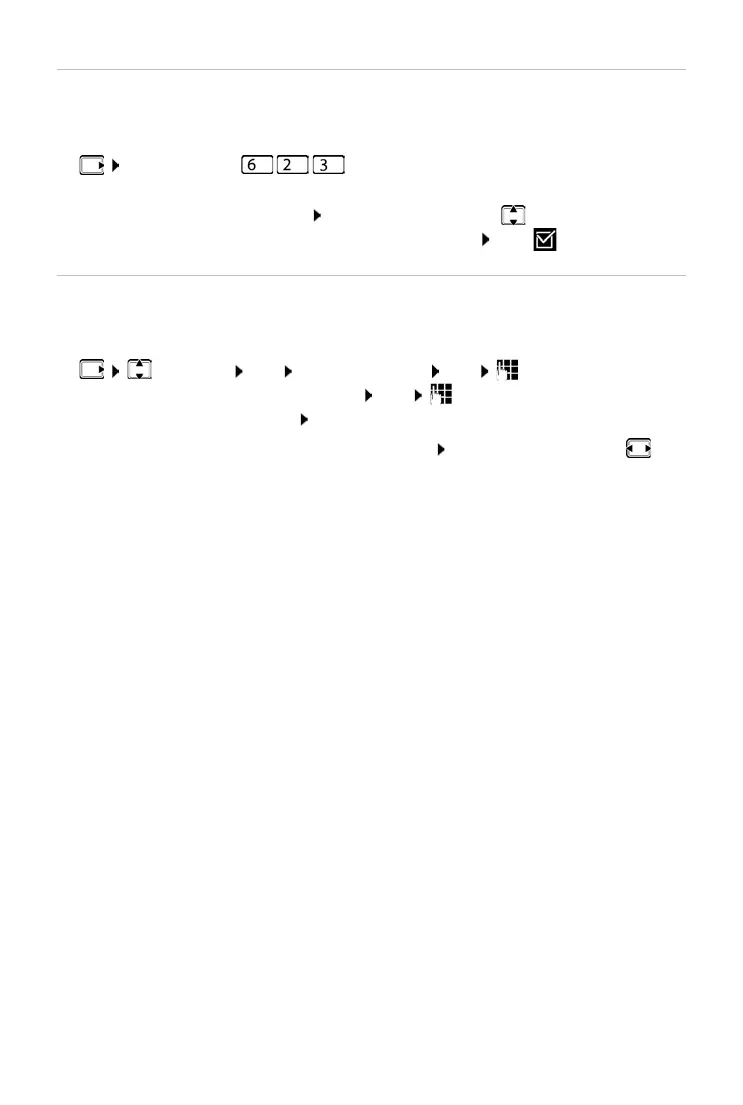
Changing the display language
You can change the display language, if the phone has been set to an incom-
prehensible language.
¤ Press the keys slowly in succession . . . the language set
(e.g.Engl
ish) is displayed
¤ Select a different language: Press the control key until the language
required is selected on the display, e.g. Fr
ançais OK ( = selected)
Setting date and time
Set the date/time so that the correct date and time can be assigned to
incoming calls and to enable the alarm to be used.
¤ Settings OK Date and Time OK Enter the date (day,
month and year) in 8-digit format OK Enter the time (hours and
minutes) in 4-digit format OK (Displa
y: Saved)
Moving the input position to the left or right:
Press the control key to
the left/right
Your phone is now ready for use.



 To Next Page