Template Module, Elderly, Version 1.1, 01.04.2019,
Overview
Gigaset E290-E290A / LUG-Kombi CH en / A31008-M2901-F101-1-2X19 / overview_Kombi.fm / 5/5/
8
Symbols used in the user guide
Icons
A Volume keys (– = quieter; + = louder)
During message playback: adjust the speech volume
While the phone is ringing: adjust the ringtone volume
B Registration/paging key
Locate a handset (paging):
¤ Press briefly
Register the handset:
¤ Press and hold
C Back key
During message playback:
Go to the start of the current message:
¤ Press once
Go to the previous message:
¤ Press twice
D Forward key
During message playback: Skip to the next message
E Delete key
During message playback: Delete current message
F Play/stop key
During message playback:
Play back messages:
¤ Press briefly
Cancel playback:
¤ Press briefly
Lights up: Answer machine switched on, no new messages
Flashes: New message; message is being played or
re
corded
Flashes very quickly: Memory full
G On/Off key
Enabling/disabling the answer machine:
¤ Press and hold
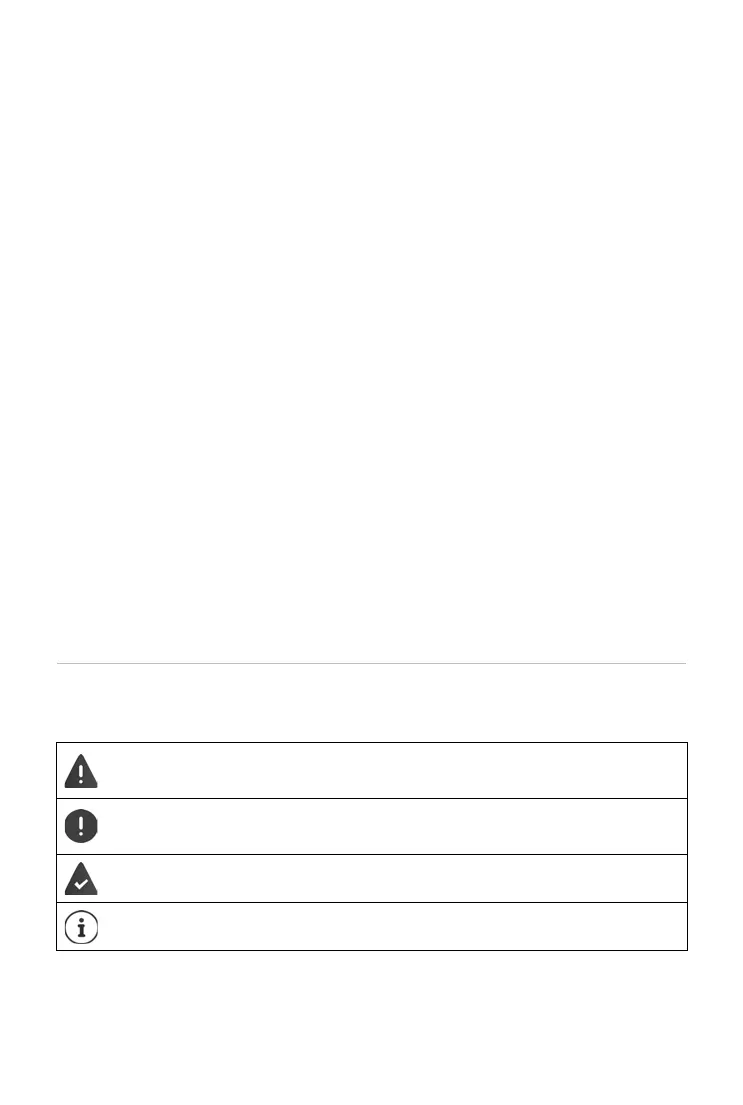
Warnings, the non-adherence to which can result in damage to
devices
or personal injury.
Important information regarding function and appropriate hand-
ling or functions that could generate costs.
Prerequisite for carrying out the following action.
Additional helpful information.



 To Next Page