26
Template Go, Version 1, 01.07.2014 / ModuleVersion 1.0
Directory
Gigaset E370A / LUG UK-IE en / A31008-M2841-L101-1-7619 / directory.fm / 9/14/17
Copying an entry/directory
Copying individual entries
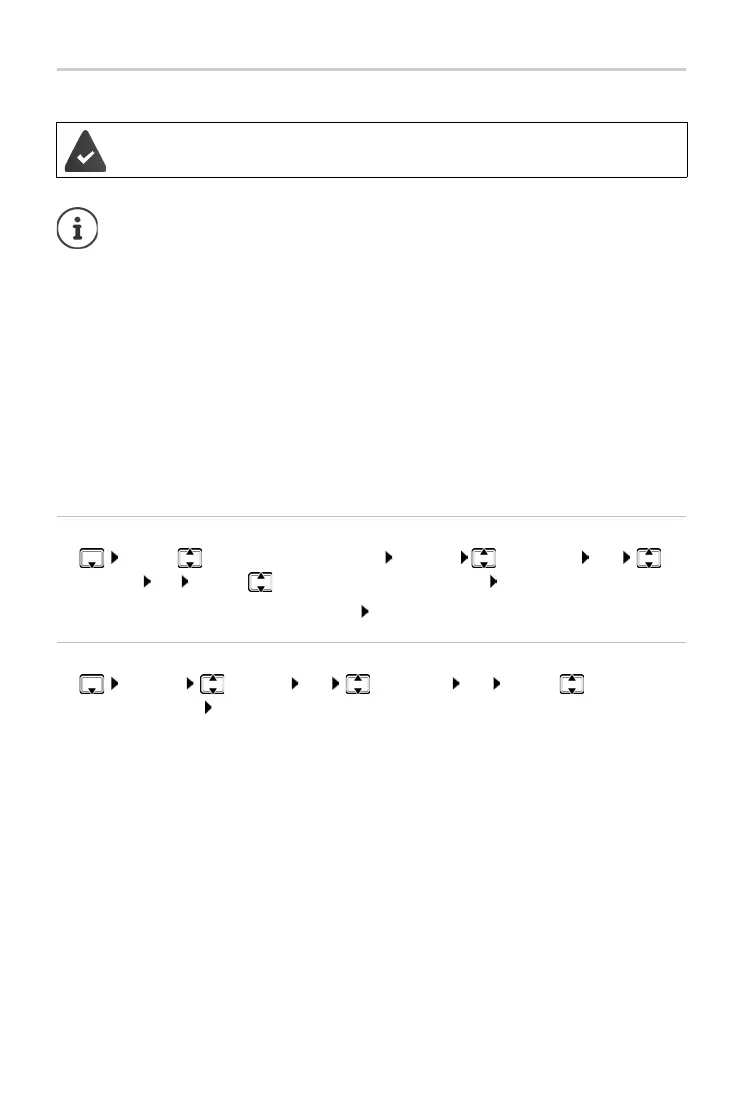
¤ . . . use to select the desired entry Options Copy Entry OK to
Internal OK . . .
use to select the receiving handset OK . . . the entry is copied
Copy the next entry after successful transfer: Press Ye
s or No
Copying the entire directory
¤ Options Copy All OK to Internal OK . . . use to select the
receiving handset OK
. . . the entries are copied one after the other
The sending and receiving handset must both be
registered to the same base station.
The other handset and the base station are able to send and receive directory entries.
An external call interrupts the transfer.
Sounds are not transferred. Only the date is transferred for an anniversary.
Both handsets support vCards:
• No entry with the name is available: a new entry is created.
• An entry with the name is already available: The entry is expanded to include the
new numbers. If the entry contains more numbers than allowed by the recipient
handset, a second entry is created with the same name.
The recipient handset does not support vCards:
A separate entry is created and sent for each number.
The sending handset does not support vCards:
A new entry is created on the receiving handset and the
transferred number is added
to the Phone (Home) field. If an entry with this number already exists, the copied num-
ber is discarded.



 To Next Page