52
Template Go, Version 1, 01.07.2014 / ModuleVersion 1.0
Handset
Gigaset E370A / LUG UK-IE en / A31008-M2841-L101-1-7619 / settings_HS.fm / 9/14/17
In idle status
¤ . . . use to select Audio Settings OK Handset Volume OK . . . then
Earpiece and handsfree profile
Select a profile for the earpiece and handsfree mode in order to adapt the telephone as much
as possible to the surroundings. Check which is the most comfortable profile for you and your
caller.
¤ . . . use to select Audio Settings OK Acoustic Profiles OK
Earpiece Profiles / Handsfree Profiles OK . . . use to select profile
Select ( = selected)
Earpiece Profiles: Hi
gh or Low (default setting)
Handsfree Profiles: Pr
ofile 1 (default setting) or Profile 2
Ringtones
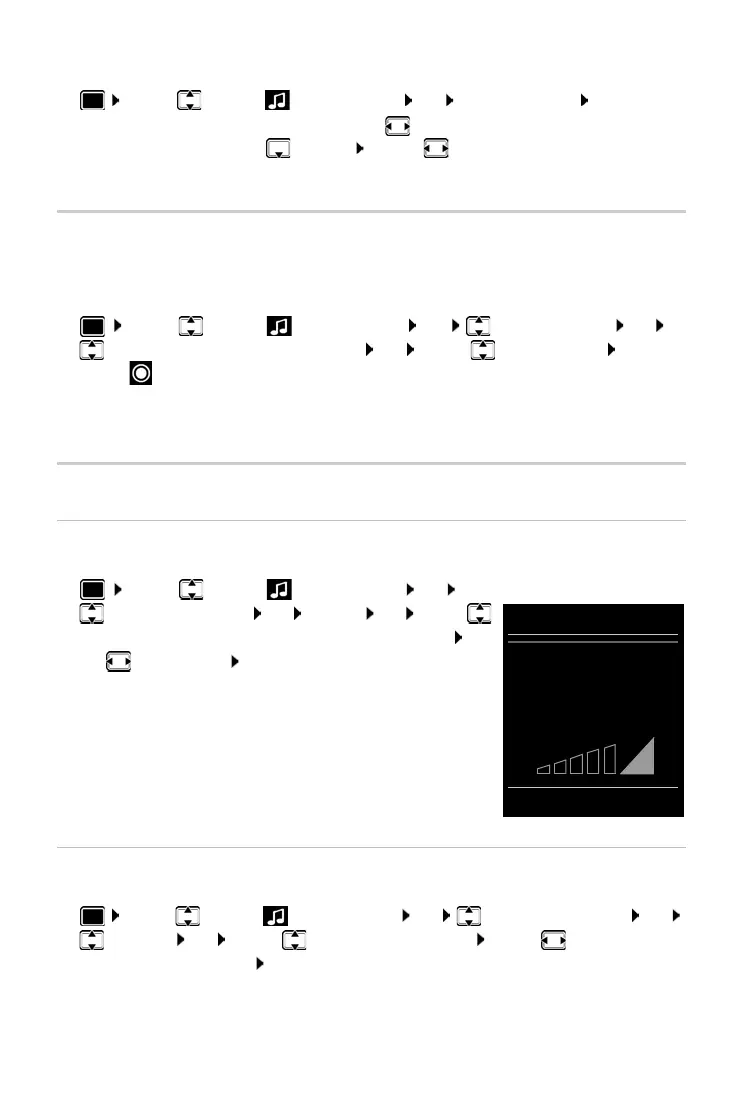
Ringtone volume
Volume can be set at 5 levels or crescendo (increasing volume).
¤ . . . use to select Audio Settings OK
Ringtones (Handset) OK Vo
lume OK . . . use
to select F
or internal calls and alarms or External Calls . . .
use to set volume Save
Ringtone melody
Set different ringtones for internal and external calls.
¤ . . . use to select Audio Settings OK Ringtones (Handset) OK
Melodies OK . . . use to select the connection . . . use to
select the ring-
tone/melody in each case Sa
ve
For the earpiece:
¤ Earpiece: . . . use to set the volume
For the speaker:
¤ Speaker . . . use to set the volume
Save settings:
¤ Save
Volume
For internal calls
and alarms:
<
>
Back Save
Example



 To Next Page