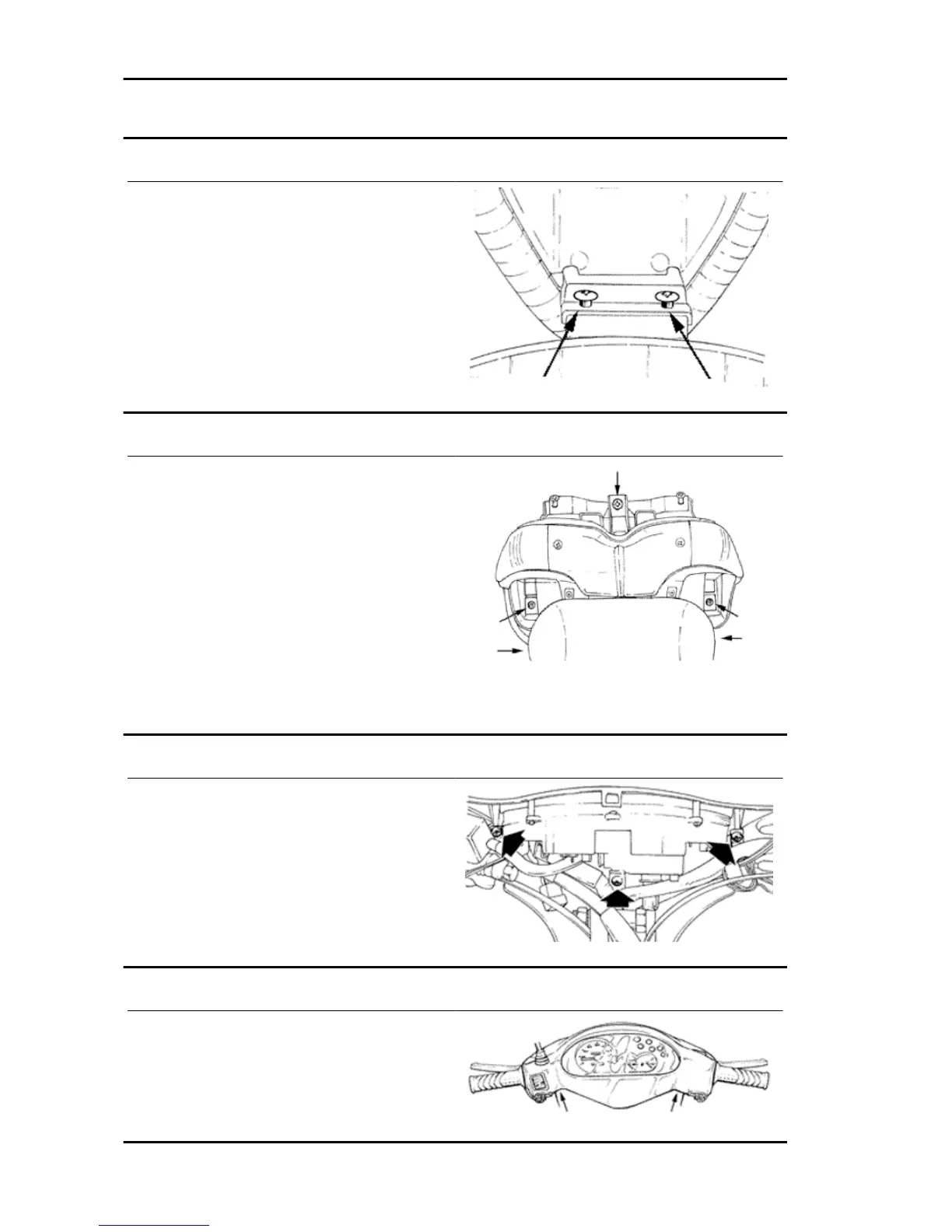
Seat
- Remove the two screws shown in the picture.
Rear rack
- Remove the side fairings
- Remove the three screws shown in the picture
See also
Side fairings
Rear handlebar cover
- Remove the three screws, disconnect the elec-
trical connections and the odometer transmission.
Front handlebar cover
- Remove the two screws shown in the picture,
unhook the joint in the upper part of the handlebar
cover between the front and rear part. Pull the front
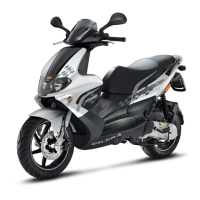
Chassis Runner Purejet
CHAS - 2


 To Next Page