G10
26
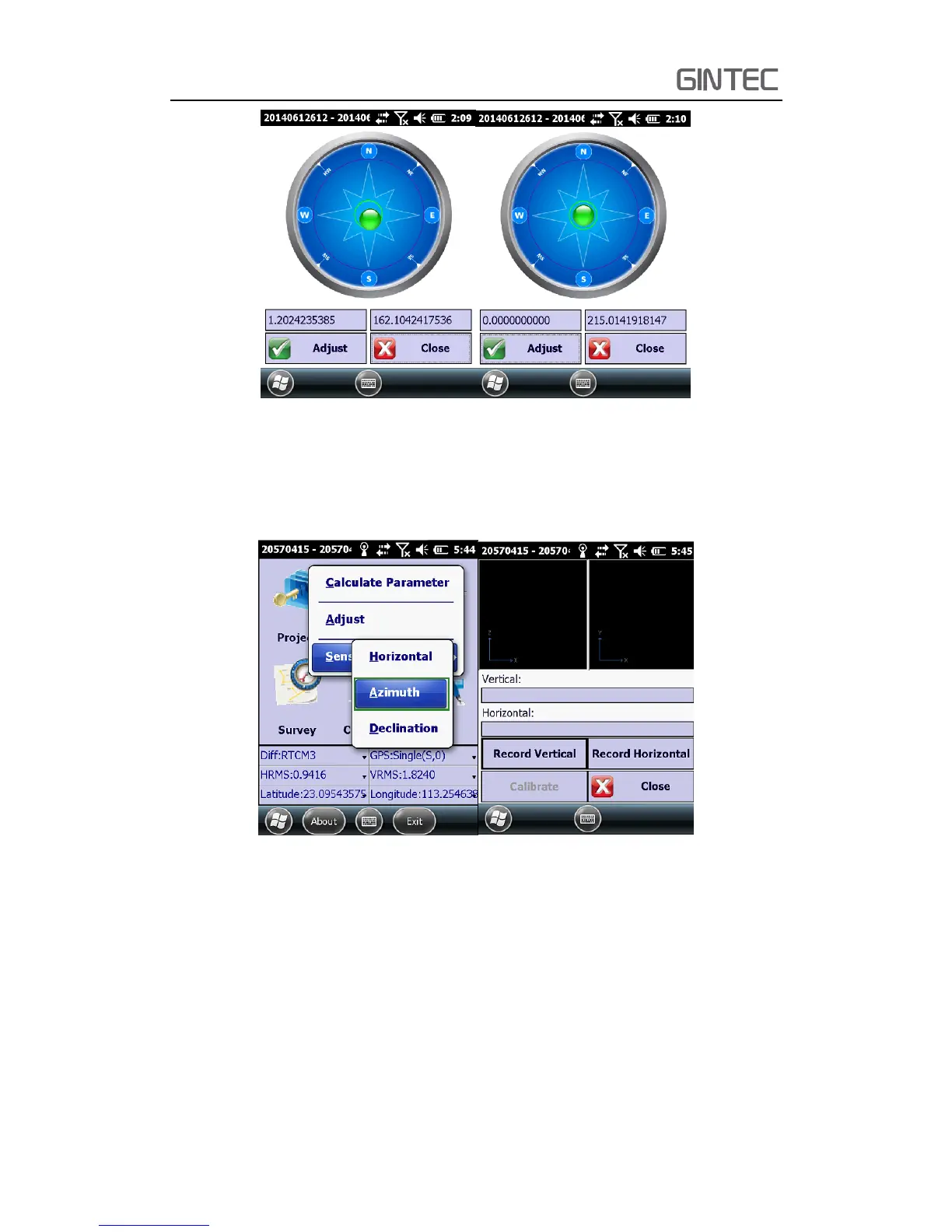
Figure 4-3 Before celebration (left) after celebration (right)
(2) Azimuth Calibration
Click “Adjust—Sensor Calibrate—Azimuth”, then it will show the “Azimuth
calibration” interface.
Figure 4-4
As it shows in the interface, there are three steps to do, “Record Vertical, Record
Horizontal, Calibrate”. Record vertical and horizontal data is order to get enough data
to do the Azimuth Calibrate.
First step is “Record Vertical”, install the receiver to mini rotary table, as picture
shows. Then click “Record Vertical”, at the same time set the carbon pole on a point,
rotate the pole in a circle, the carbon pole is the center of rotation. The speed can’t
exceed 25°/s. Software will show a circle when you rotate the pole. Usually, when you



 To Next Page