89
ENUSER’S MANUAL ABS
6.8 PERCENTAGE MEASUREMENT WITH SAMPLE
PERCENTAGE MEASUREMENT
PURPOSE
Operator place the reference sample that corresponds to 100% onto weighing pan, the other samples will display the weighing result as %.
Operator can input the sample value or weighing the sample value and input it.
INSTANCE OF PERCENTAGE MEASUREMENT WITH SAMPLE
KEY (ORDER) STEP EXPLANATION
LCD SCREEN
DISPLAY
MENU LEVEL
AND CODE
Press and Hold
[MENU] Key
1. Enter Into Menu System
--node-
1 .
Short Press [CAL]
Key
2. Display counting menu
-COUNT-
1 .1 .
Short Press [MENU]
Key seven times
3. Enter Into Percentage Measurement
Display signal”%” on window
PErCENT
%
1 .8.
Short Press [CAL]
Key
4. Select percentage weighing mode with (SAMPLE)
SAMPLE
%
1 .8.1
Short Press [CAL]
Key
5. Mention to start
SAMPLE
%
1 .8.1.1
6. Put sample
SAMPLE
%
1 .8.1.1
Short Press [CAL]
Key
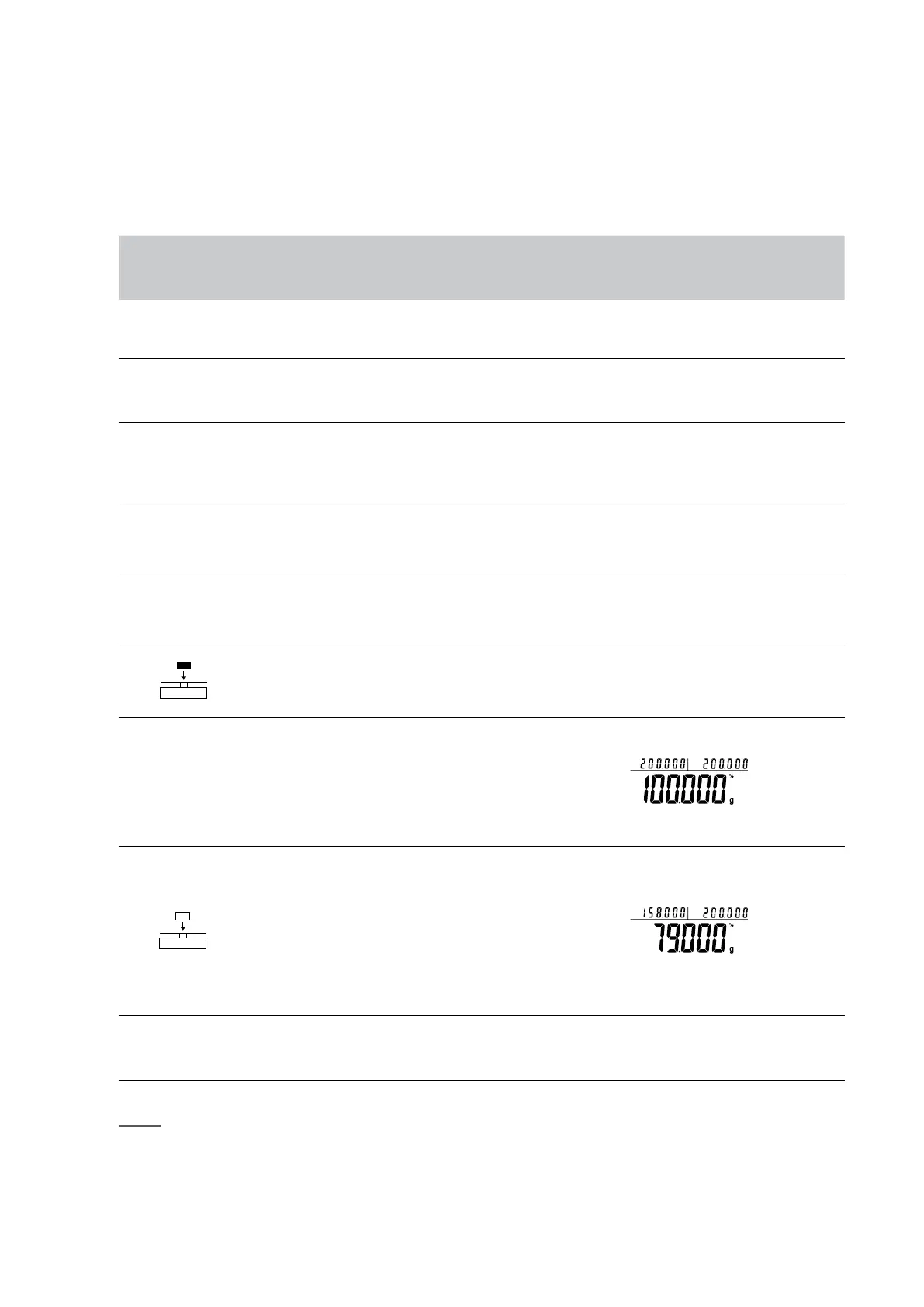
7. Confirm the sample is 100%
• Three position to display as: (Example:200g) lUUUUUs
Upper left display the present weight, Upper right display
the sample’s weight, Main window displays 100%.
8. Take sample away and put any other sample on pan
• Three position to display as: (Example:158g)
Upper left display 158g, Upper right display the sample’s
weight 200g,
Main window displays 79%.
• Remove the reference sample and add the unknown sam-
ple to determine its relative weight and percentage.
Press and Hold
[TARE] Key
9. Exit the percentage measurement
NOTE: The grey color words explain the signal’s meaning which flash on the window.
.
• Quick Restart: exit the present percentage measurement and restart the new one, press and hold (MENU) key can restart the step 1, short
press (CAL) to enter into step 3.



 To Next Page