Rev.: 4, Print date: 2021-05-05
37
NL95
Required information:
For starting up procedure, it is required to have following information:
- name of lights
- color of lights
- position of lights
- type of lights (double or single)
- power supply of lights
Steps:
1. Navigation lights controller is installed and connected according to manual
2. Switch on power supply and switch on main unit
3. Make light configuration
4. Light check:
a) Switch on light.
b) Visually check light for operation
c) Compare position of light on ship with graphic presentation on main unit
d) Switch off light
5. Repeat step 4. for all lights
6. Simulate light failure for some lights by disconnecting light cable or removing bulb.
IMPORTANT!!! Dangerous voltages!!!
7. Check operation of external alarm output contact.
8. Check manual activation of some lights by switching them directly on Input module.
9. Check NMEA communication with other systems. (if existing)
10. Fill-in project information given bellow and send configuration back to manufacturer
11. Save Configuration on USB and archive it.
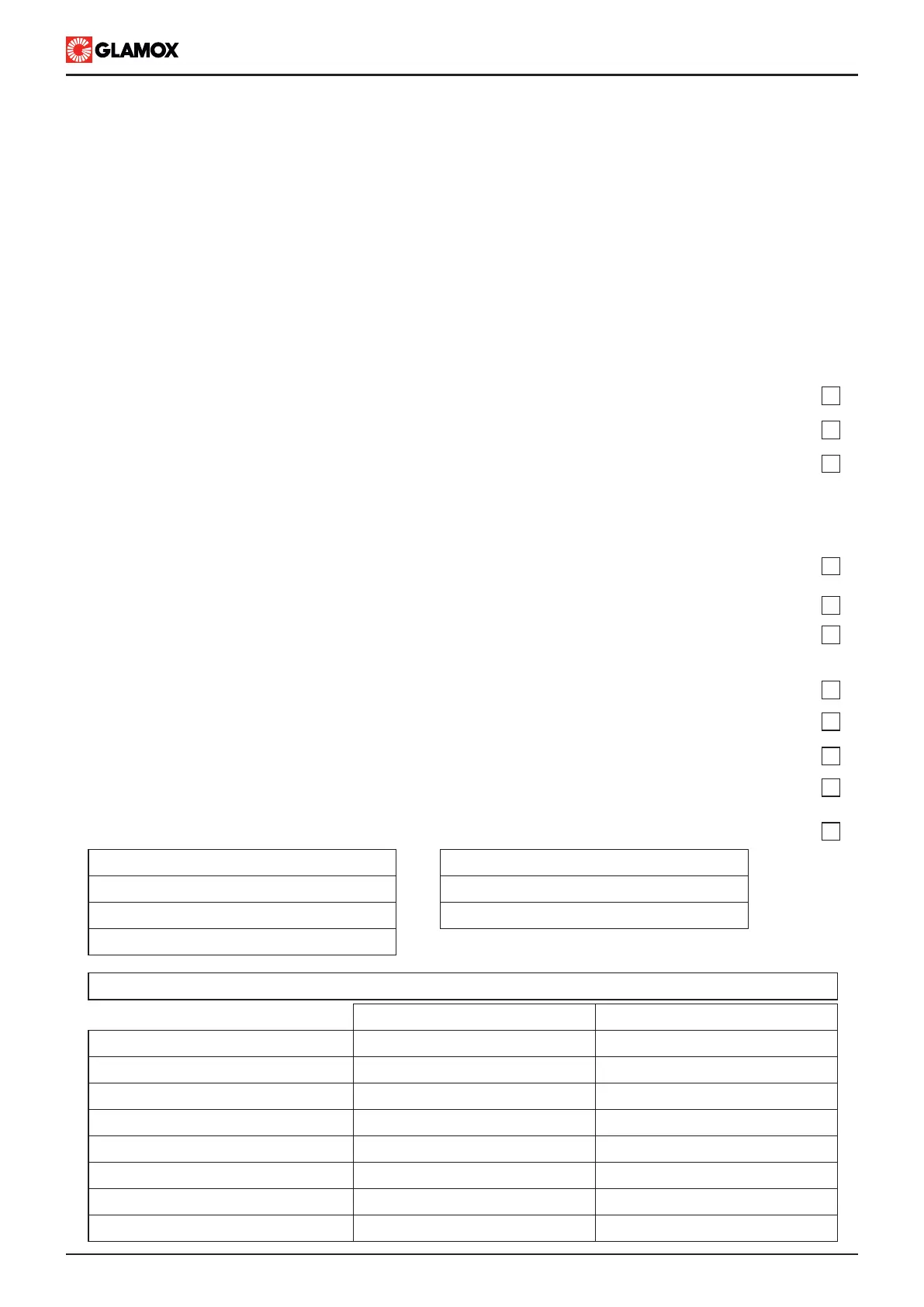
6. Commissioning
6.1 Commissioning procedure
OK
Ship name:
IMO no.:
Shipyard:
Hull no.:
Commisioning date:
Company:
Done by:
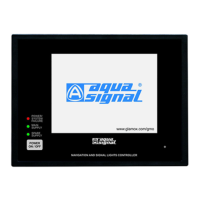
Main unit type ITNSL-01TP
Power Supply module ITNSLP-01P
Code
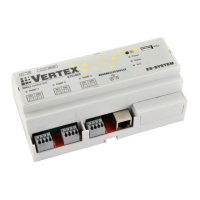
Input unit type ITNL
Input unit type ITNL
Input unit type ITNL
Input unit type ITNL
Serial no.
Input unit type ITNL
Input unit type ITNL
Touch Screen Navigation Light Controller NL95


 To Next Page