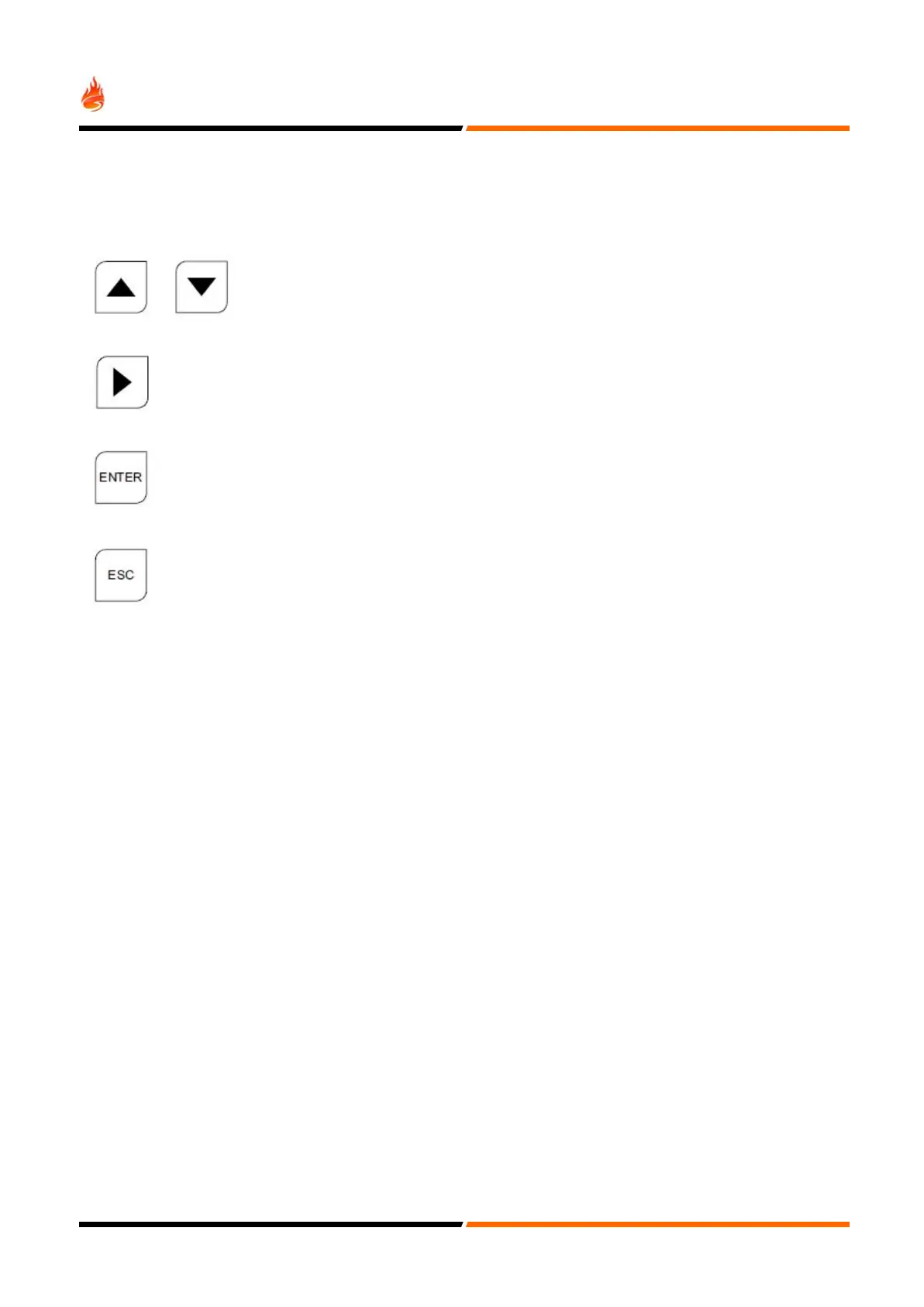
Often used to change fields (move the cursor). It will also be used
when required to scroll through loops.
The cursor is often shown to highlight the item that is being changed.
Help
Where possible, help is displayed automatically.
General
Because of the flexibility and functionality of this panel, sometimes it can be quite hard to establish the desired
configuration. Zone, device and group events interact as do the various timers.
If the system does not seem to operate as intended, please take your time and review the various sections in this manual.
Some settings need the front panel buttons to be activated, whilst others can be inhibited for specific devices.
The basic functionality of the panel is readily available and the fire alarm system will be operational just by supplying it
with electrical power. Exercising cause and effect capability is what this section is all about. The best way to become
familiar with all the programming facilities of this panel will be a hands-on approach, aided closely by this manual.
32


 To Next Page