USER MANUAL
Range BEAT-Tr
Edition: January 2016
- MODE OF USE Revision: No. 3 24
3.1.10 Fitting connection:
Connect the unit cable connectors in the fitting terminals to be jointed. The contact
surfaces of both the fitting’s terminals and the cable connectors must always be clean.
NOTE !
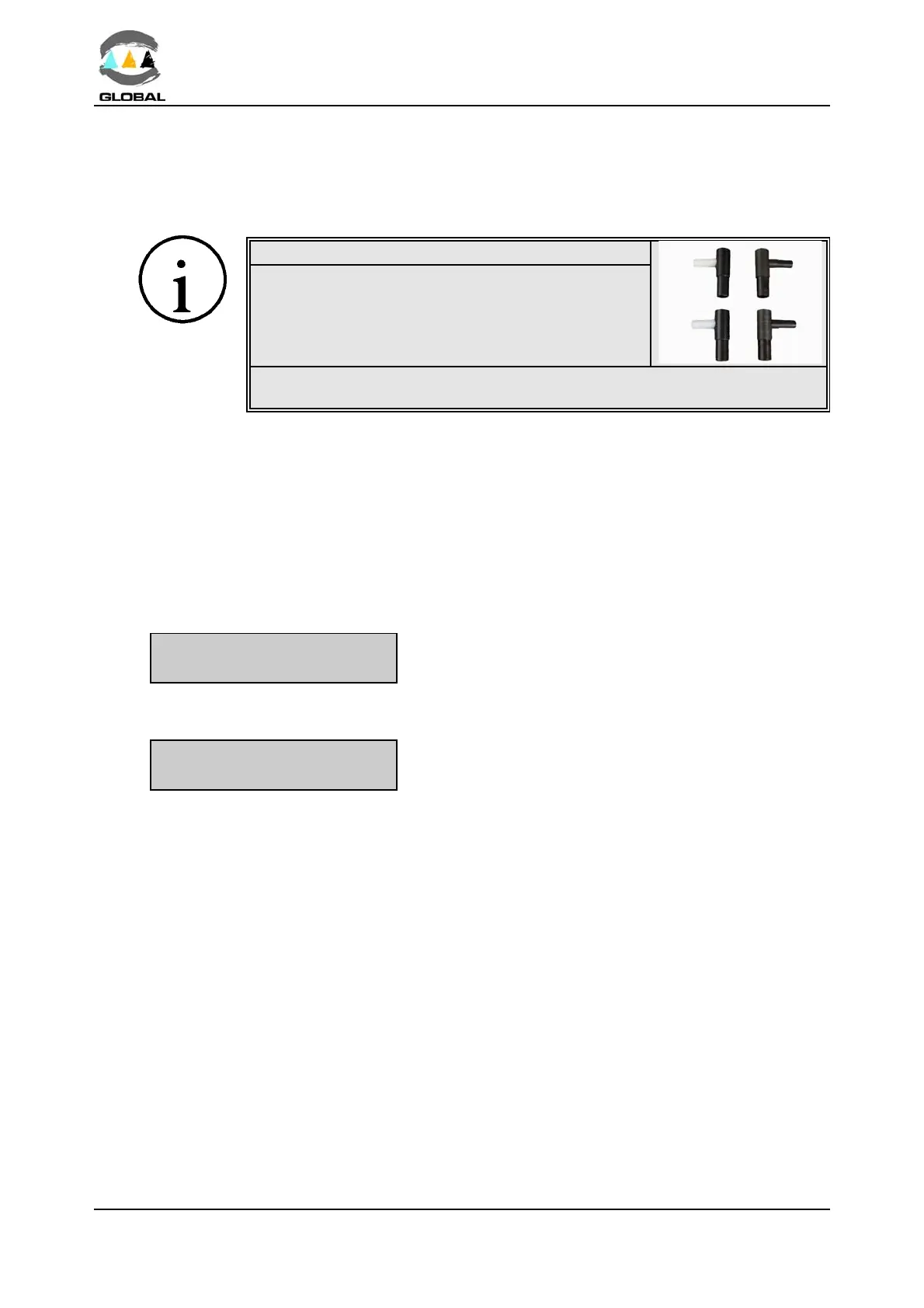
We advise you to always use adapters, even
though the connection to the fitting may be made
directly. Doing so, the cable terminals are pro-
tected, do not wear out, burn, etc.
It is recommended refraining from electrofusion if the exterior temperature
is below -10
/C or above +40/C.
3.1.11 Entering electrofusion data in the unit:
Ù When data entry relating to operator, job, auxiliary data and traceability are not enabled
or if they are enabled, once validated, the following screen will appear:
Verification of memory capacity:
When 50 or less fusion records remain only to reach the full memory’s capacity, the
following message will be displayed:
ATTENTION MEMORY
POSSIBLE FUSIONS xx
Where xx corresponds to
#50 fusion records.
Press the START/VALIDATE key to pass to the next screen.
BEAT-TR 23
/C
FUSION DATA?
Where 23/C corresponds to the ambient temperature
(informative).



 To Next Page