EasyManua.ls Logo

Go Partner 1680X - Table of Contents

Default Icon
20 pages
Print Icon
To Next Page IconTo Next Page
To Previous Page IconTo Previous Page
Loading...
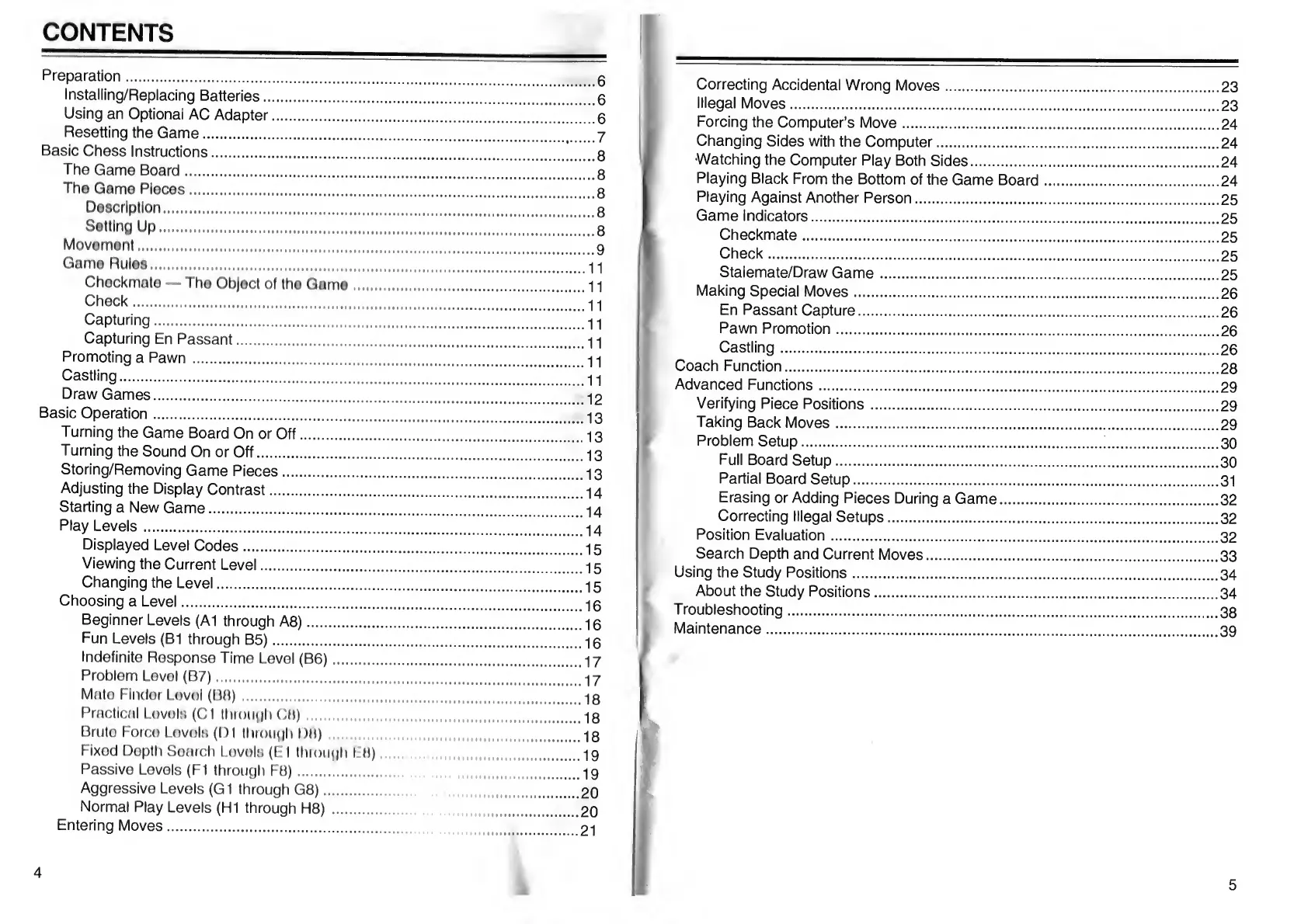
CONTENTS
Preparation.
Installing/Replacing
Batteries.
Using
an
Optional
AC
Adapter.
Resetting
the
Game.
Basic
Chess
Instructions.
The
Game
Board.
The
Game
Pieces.
Description.
Setting
Up.
Movement.
Game
Rules.
Checkmate
The
Object
of
the
Game.
Check.
Capturing.
Capturing
En
Passant.
Promoting
a
Pawn.
Castling.
Draw
Games.
Basic
Operation.
Turning
the
Game
Board
On
or
Off.
Turning
the
Sound
On
or
Off.
Storing/Removing
Game
Pieces.
Adjusting
the
Display
Contrast.
Starting
a
New
Game.
Play
Levels.
Displayed
Level
Codes.
Viewing
the
Current
Level.
Changing
the
Level.
Choosing
a
Level.
Beginner
Levels
(A1
through
A8).
Fun
Levels
(B1
through
B5).
Indefinite
Response
Time
Level
(B6).
Problem
Levol
(B7).
Mato
Finder
Lovol
(BH).
Practical
Lovols
(Cl
through
CH)
Bruto
Forco
LovoIh
(D1
through
DM).
Fixed
Depth
Search
Levels
(El
through
Efl)...
Passive
Levels
(FI
through
F8).
Aggressive
Levels
(G1
through
G8).
Normal
Play
Levels
(HI
through
H8)
.
Entering
Moves.
.6
.6
.6
.7
.8
.8
.8
.8
.8
.9
...11
...
11
...
11
..11
..11
..11
..11
..12
..13
..13
..13
..13
..14
..14
..14
..15
..15
..15
..16
..16
..16
..17
..17
..18
..18
.18
.19
.19
.20
.20
.21
4
Correcting
Accidental
Wrong
Moves.23
Illegal
Moves.23
Forcing
the
Computer’s
Move.24
Changing
Sides
with
the
Computer.24
Watching
the
Computer
Play
Both
Sides.24
Playing
Black
From
the
Bottom
of
the
Game
Board.24
Playing
Against
Another
Person.25
Game
Indicators.25
Checkmate.25
Check.25
Stalemate/Draw
Game.25
Making
Special
Moves.26
En
Passant
Capture.26
Pawn
Promotion.26
Castling.26
Coach
Function.28
Advanced
Functions.29
Verifying
Piece
Positions.29
Taking
Back
Moves.29
Problem
Setup.;.30
Full
Board
Setup.30
Partial
Board
Setup.
3
1
Erasing
or
Adding
Pieces
During
a
Game.32
Correcting
Illegal
Setups.32
Position
Evaluation.32
Search
Depth
and
Current
Moves.33
Using
the
Study
Positions.
3
4
About
the
Study
Positions.
3
4
Troubleshooting.
3
8
Maintenance.
3
9

Table of Contents