Data Matrix
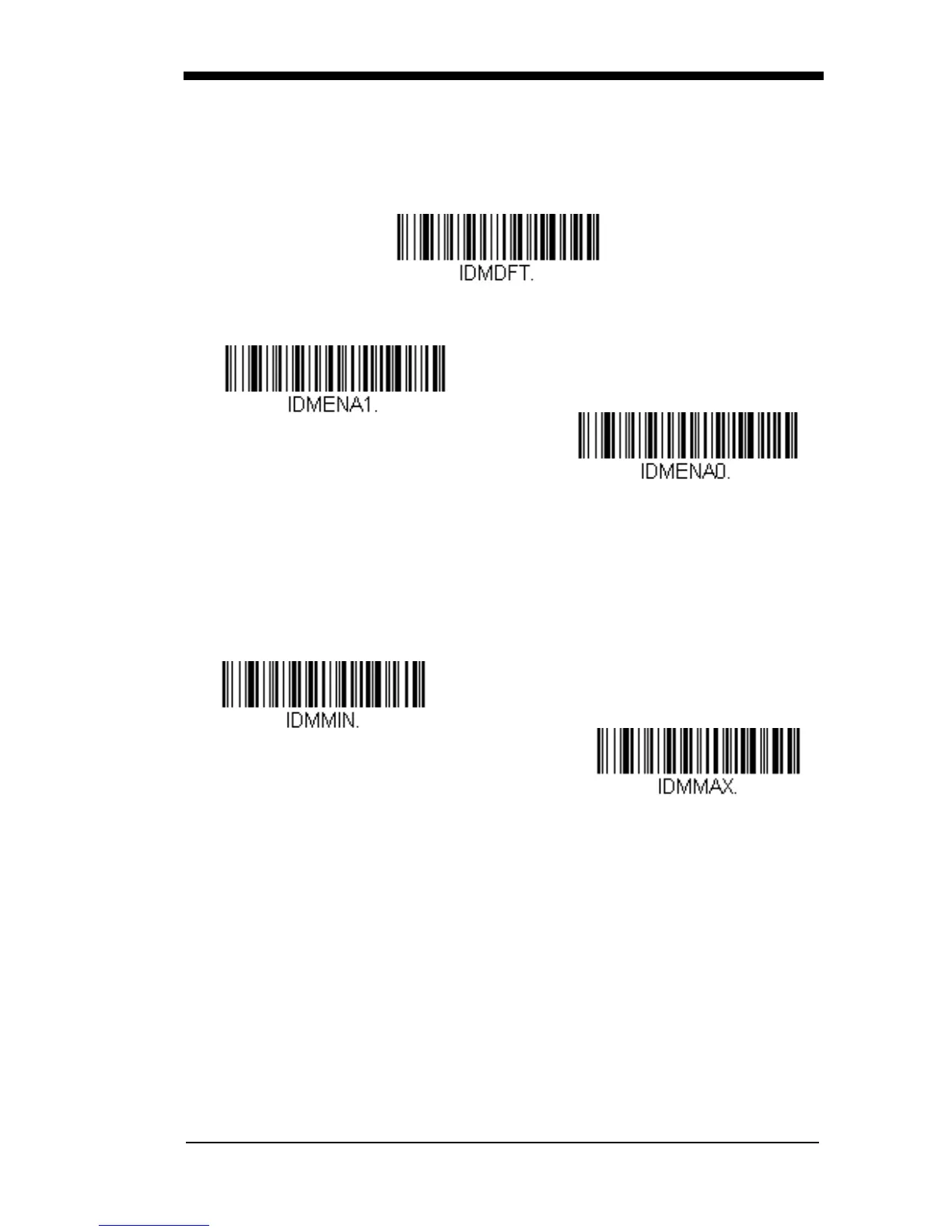
< Default All Data Matrix Settings >
Data Matrix
On/Off
* On
Off
Data Matrix Message Length
Scan the bar codes below to change the message length. Refer to
Message Length Description (page 6-2) for additional information. Mini-
mum and Maximum lengths = 1-3116. Minimum Default = 1, Maximum
Default = 3116.
Minimum Message Length
Data Matrix Append
Maximum Message Length
This function allows the scanner to append the data from several Data
Matrix bar codes together before transmitting them to the host computer.
When the scanner encounters an Data Matrix bar code with the append
trigger character(s), it buffers the number of Data Matrix bar codes deter-



 To Next Page