EasyManua.ls Logo

Godex GS550 - USB Interface Options

Godex GS550
140 pages
Print Icon
To Next Page IconTo Next Page
To Previous Page IconTo Previous Page
Loading...
2- 2
USB IBM SurePos
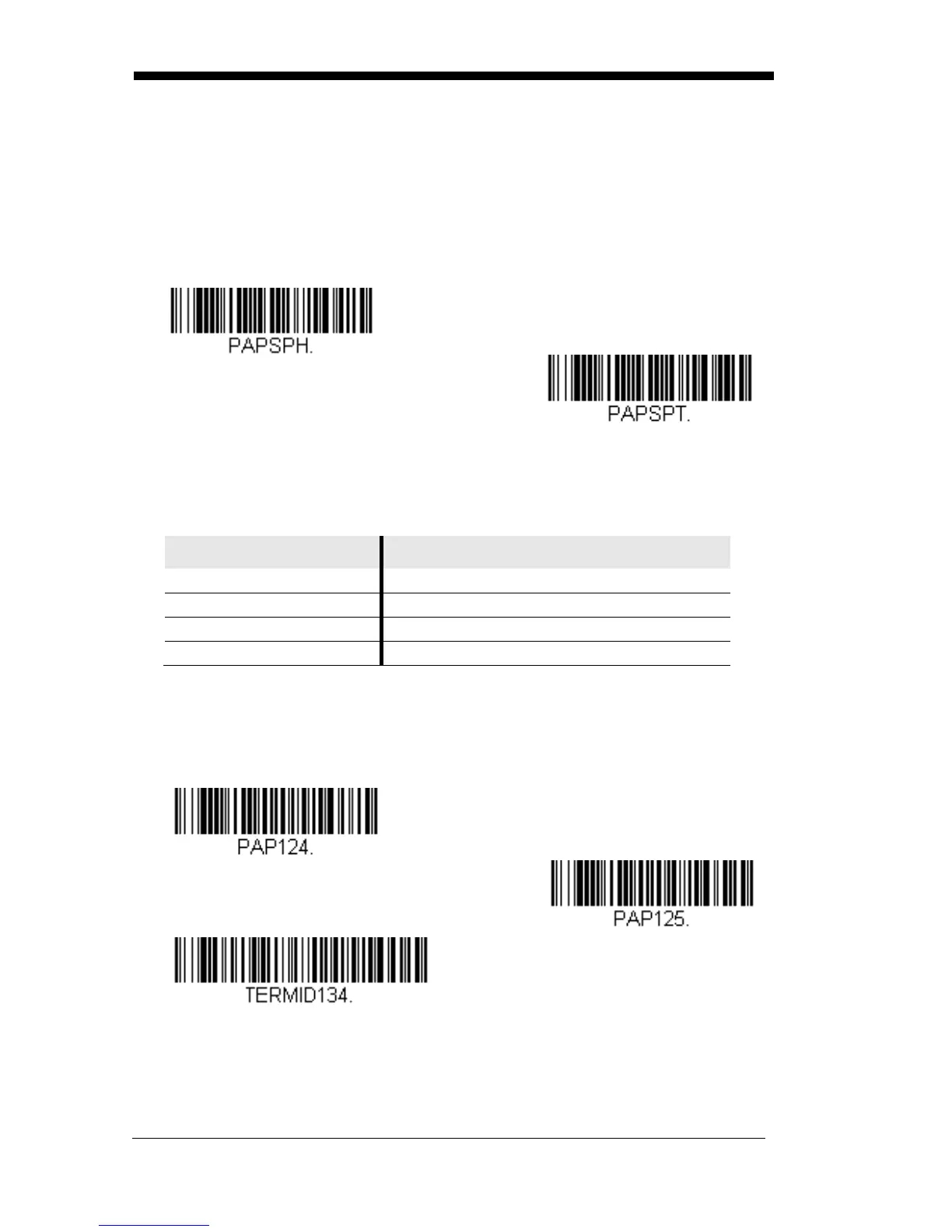
Scan one of the following “Plug and Play” codes to program the scanner for an
IBM SurePos (USB handheld scanner) or IBM SurePos (USB tabletop scanner)
interface.
Note: After scanning one of these codes, you must power cycle the cash
register.
USB IBM SurePos (USB
Handheld Scanner)
Interface
USB IBM SurePos (USB
Tabletop Scanner)
Interface
Each bar code above also programs the following suffixes for each symbology:
Symbology Suffix
Code 39 00 0A 0B
Interleaved 2 of 5 00 0D 0B
Code 128 00 18 0B
Code 39 00 0A 0B
USB PC or Macintosh Keyboard
Scan one of the following codes to program the scanner for USB PC Keyboard
or USB Macintosh Keyboard. Scanning these codes also adds a CR and LF.
USB Keyboard (PC)
USB Keyboard (Mac)
USB Japanese Keyboard (PC)

Table of Contents

Other manuals for Godex GS550

Related product manuals