Reading Techniques
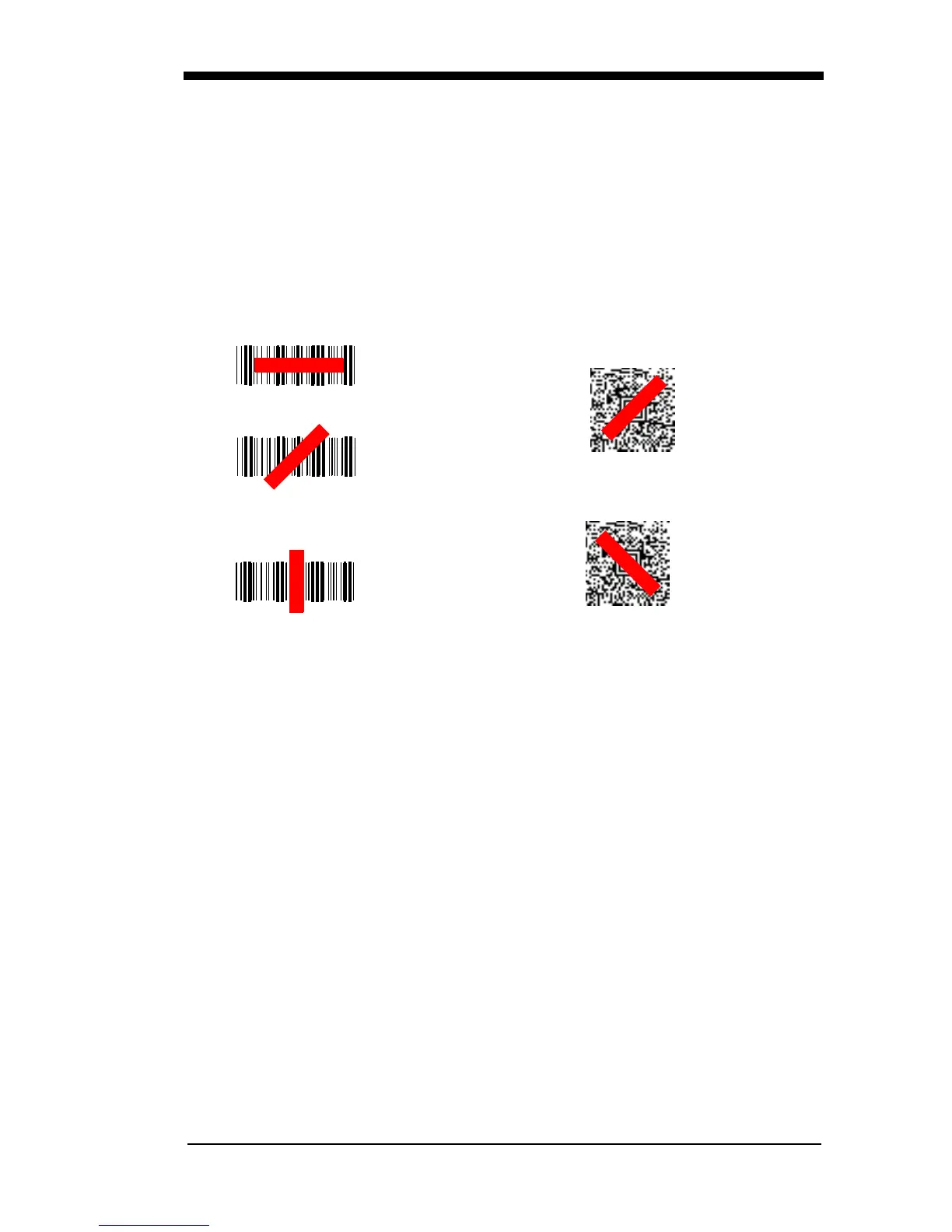
The scanner has a view finder that projects a bright red aiming beam that corre-
sponds to the scanner’s horizontal field of view. The aiming beam should be
centered over the bar code, but it can be positioned in any direction for a good
read.
Linear bar code
2D Matrix symbol
The aiming beam or pattern is smaller when the scanner is closer to the code
and larger when it is farther from the code. Symbologies with smaller bars or
elements (mil size) should be read closer to the unit. Symbologies with larger
bars or elements (mil size) should be read farther from the unit. To read single
or multiple symbols (on a page or on an object), hold the scanner at an appro-
priate distance from the target, press the button, and center the aiming beam or
pattern on the symbol. If the code being scanned is highly reflective (e.g., lami-
nated), it may be necessary to tilt the code up 15° to 18° to prevent unwanted
reflection.
Menu Bar Code Security Settings
Godex scanners are programmed by scanning menu bar codes or by sending
serial commands to the scanner. If you want to restrict the ability to scan menu
codes, you can use the Menu Bar Code Security settings. Please contact the
nearest technical support office (see Customer Support on page 11-1) for fur-
ther information.



 To Next Page