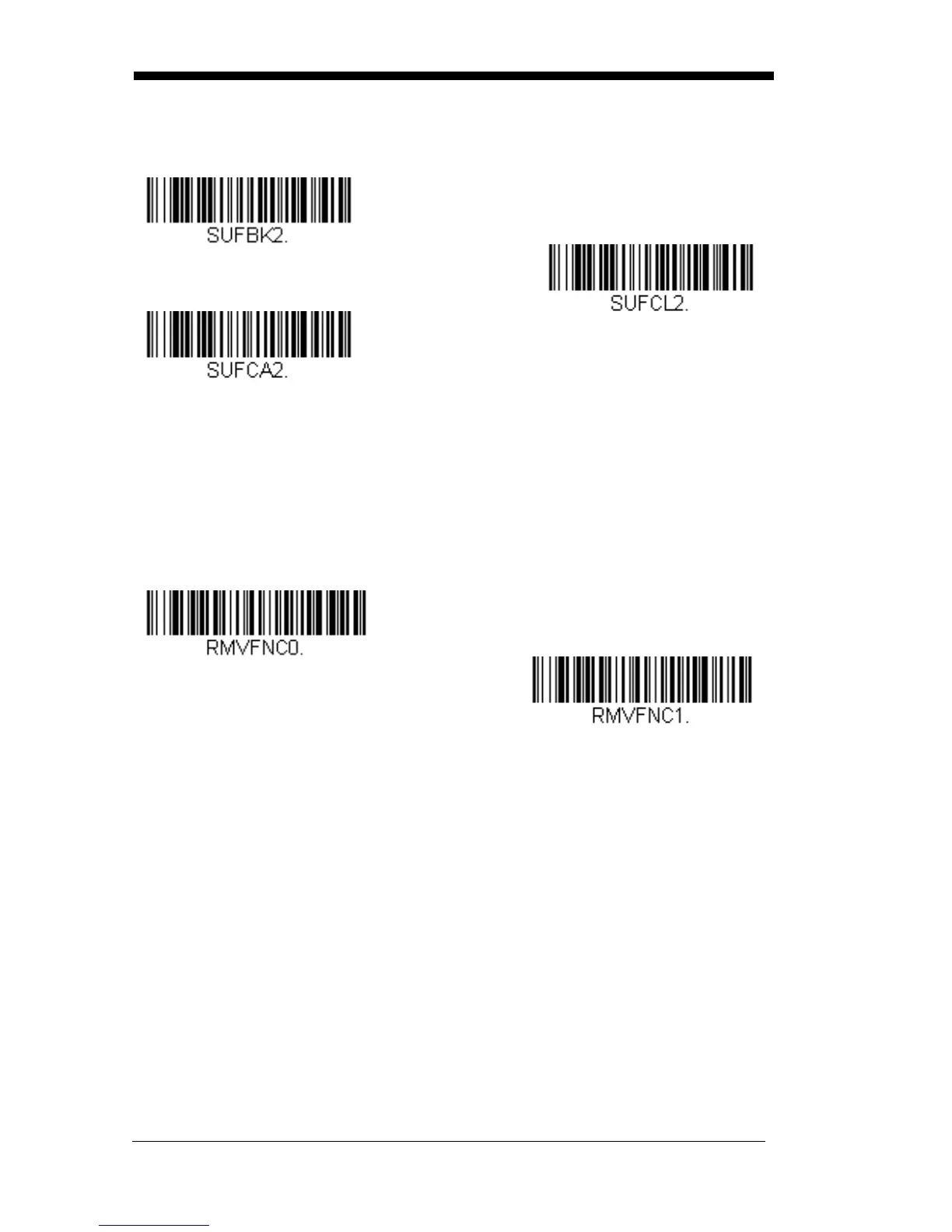
Suffix
Selections
Add Suffix
Clear All Suffixes
Clear One Suffix
Function Code Transmit
When this selection is enabled and function codes are contained within the
scanned data, the scanner transmits the function code to the terminal.
Charts
of
these function codes are provided in Supported Interface Keys starting on
page 7-3. When the scanner is in keyboard wedge mode, the scan code is con-
verted to a key code before it is transmitted. Default = Enable.
* Enable
Intercharacter, Interfunction, and
Intermessage Delays
Disable
Some terminals drop information (characters) if data comes through too quickly.
Intercharacter, interfunction, and intermessage delays slow the transmission of
data, increasing data integrity.



 To Next Page