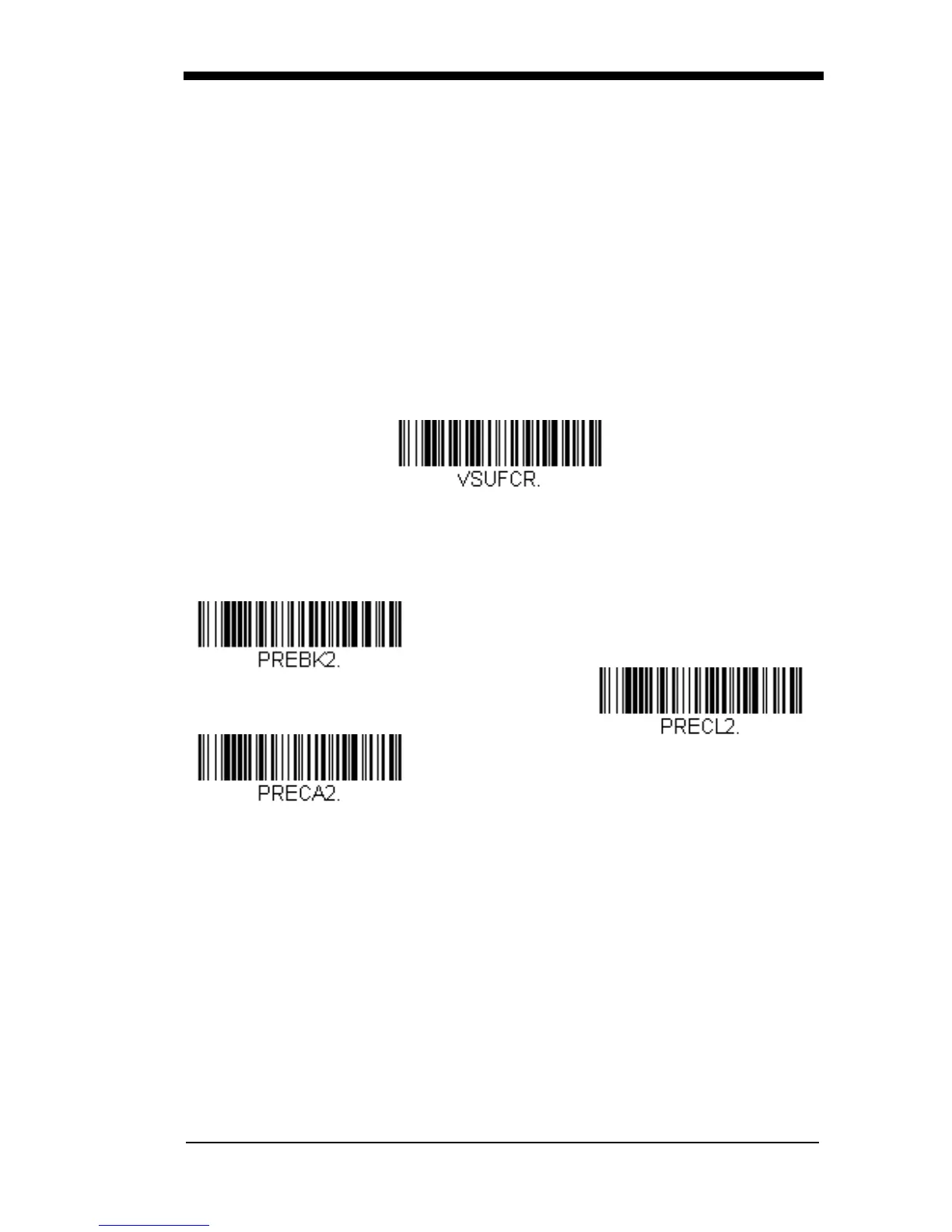
Step 1. Scan the Clear One Prefix or Clear One Suffix symbol.
Step 2. Determine the 2 digit Hex value from the Symbology Chart
(included in the Symbology Chart, beginning on page A-1) for the
symbology from which you want to clear the prefix or suffix.
Step 3. Scan the 2 digit hex value from the Programming Chart inside the
back cover of this manual or scan 9, 9 for all symbologies.
Your change is automatically saved.
To Add a Carriage Return Suffix to All Symbologies
Scan the following bar code if you wish to add a carriage return suffix to all
symbologies at once. This action first clears all current suffixes, then pro-
grams a carriage return suffix for all symbologies.
Prefix
Selections
Add Prefix
Clear All Prefixes
Add CR Suffix
All Symbologies
Clear One Prefix



 To Next Page