Good Read and Error Indicators
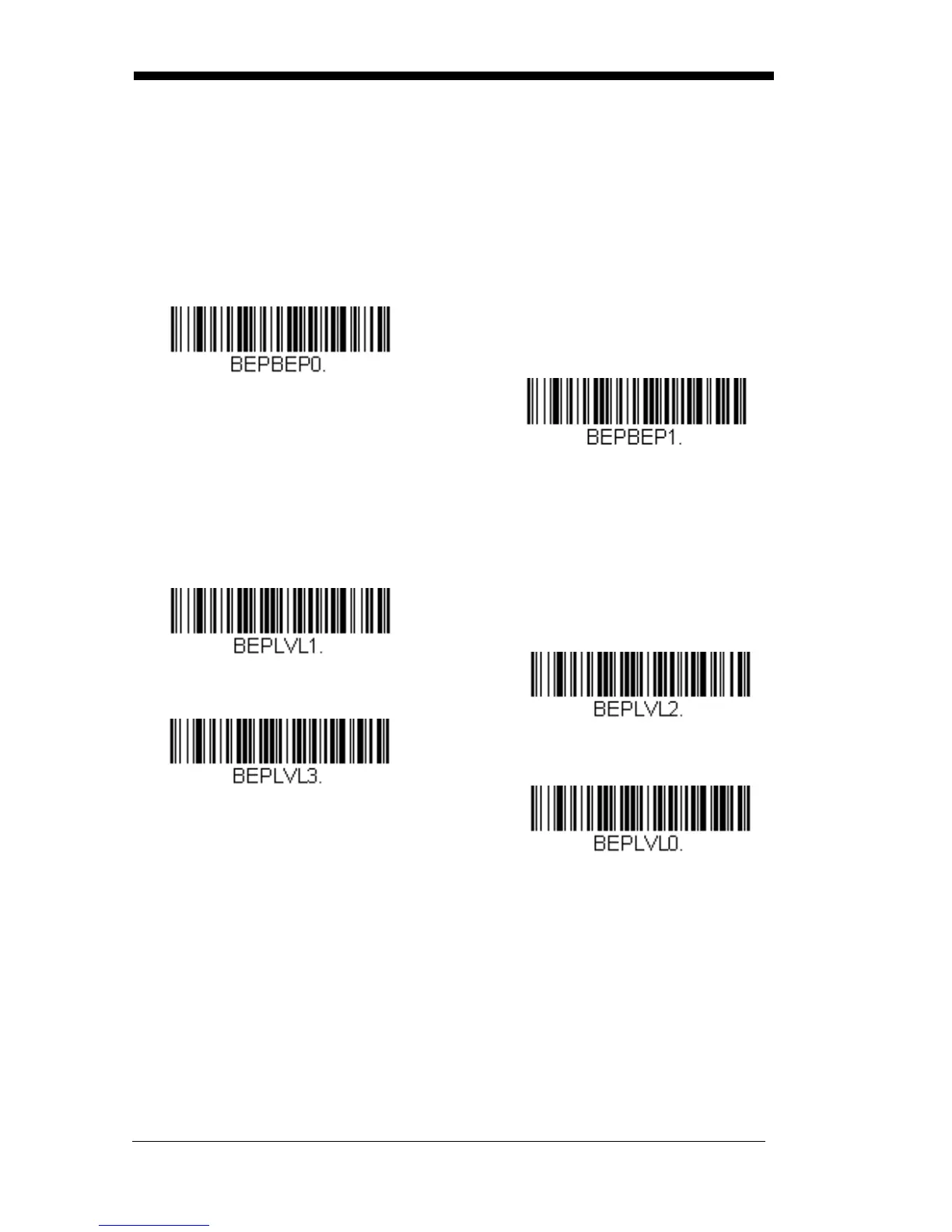
Beeper – Good Read
The beeper may be programmed On or Off in response to a good read.
Turning this option off, only turns off the beeper response to a good read
indication. All error and menu beeps are still audible. Default = Beeper -
Good Read On.
Beeper - Good Read Off
Beeper Volume – Good Read
* Beeper - Good Read On
The beeper volume codes modify the volume of the beep the scanner
emits on a good read. Default = High.
Low
Medium
* High
Off



 To Next Page