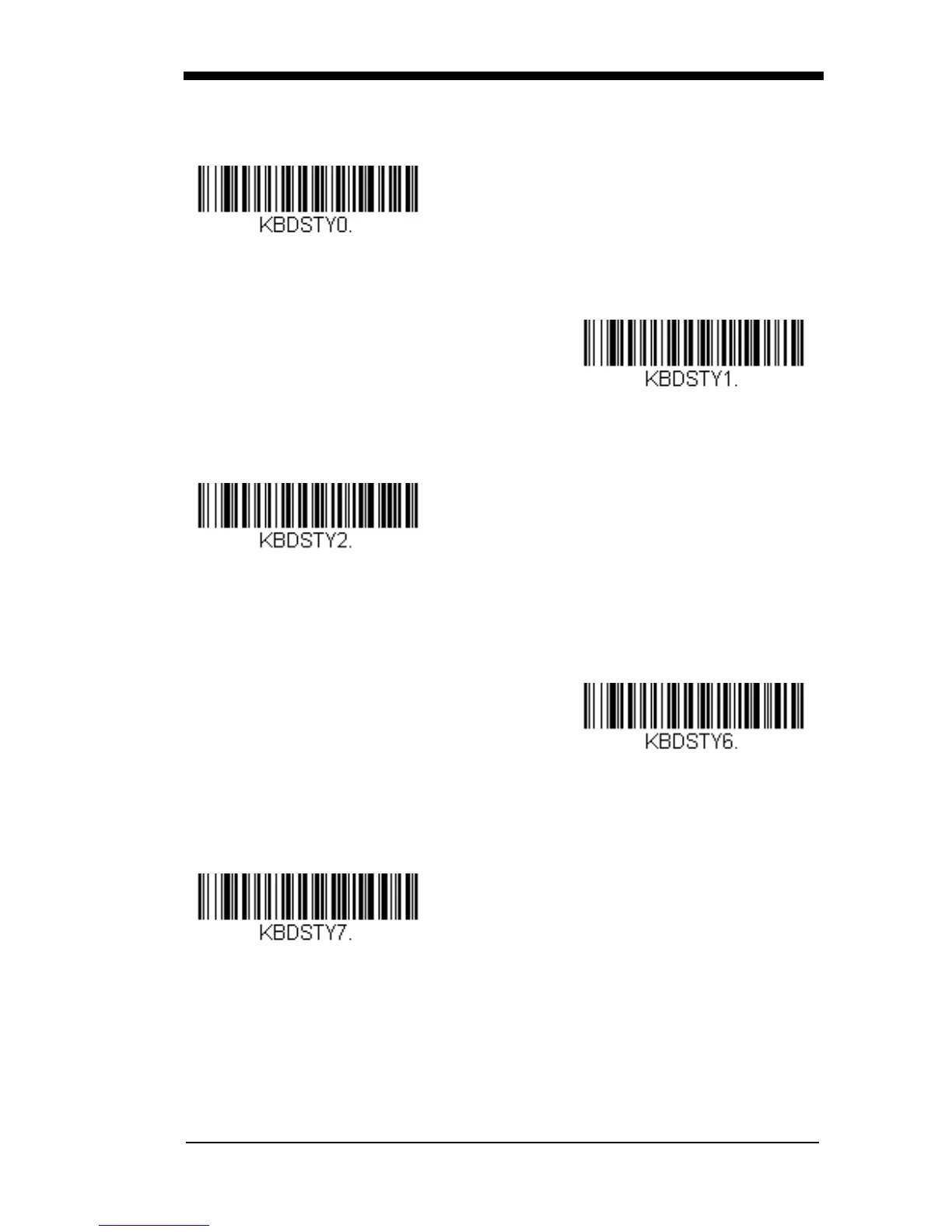
* Regular
Caps Lock is used when you normally have the Caps Lock key on.
Caps Lock
Shift Lock is used when you normally have the Shift Lock key on (not common
to U.S. keyboards).
Shift Lock
Automatic Caps Lock is used if you change the Caps Lock key on and off.
The software tracks and reflects if you have Caps Lock on or off . This selection
can only be used with systems that have an LED that notes the Caps Lock sta-
tus (AT keyboards).
Automatic Caps Lock
Autocaps via NumLock bar code should be scanned in countries (e.g., Ger-
many, France) where the Caps Lock key cannot be used to toggle Caps Lock.
The NumLock option works similarly to the regular Autocaps, but uses the Num-
Lock key to retrieve the current state of the Caps Lock.
Autocaps via NumLock



 To Next Page