30
3- 4 La b e l size c a lib ra tio n a nd Se lf Te st Pa g e
The p rinte r c a n a uto ma tic a lly d e te c t a nd sto re la b e l he ig ht. Tha t me a ns the ho st c o mp ute r d o e s no t
ne e d to tra nsm it the la b e l he ig ht to the p rinte r. And the se lf-te st func tio n le ts yo u c he c k whe the r the
p rinte r is func tio ning no rm a lly. He re is ho w yo u run the la b e l size c a lib ra tio n a nd se lf te st.
Ste p.01 C he c k tha t the la b e l sto c k is lo a d e d c o rre c tly.
Ste p.02 Switc h o ff the p rinte r.
Ste p.03 Switc h the p rinte r o n a g a in, ke e p ing the FEED b utto n p re sse d . Whe n the READY LED sta rts
to fla sh re d a nd the STATUS LED lig hts up o ra ng e , re le a se the FEED b utto n. The p rinte r will
no w me a sure the la b e l sto c k a nd sto re the la b e l he ig ht
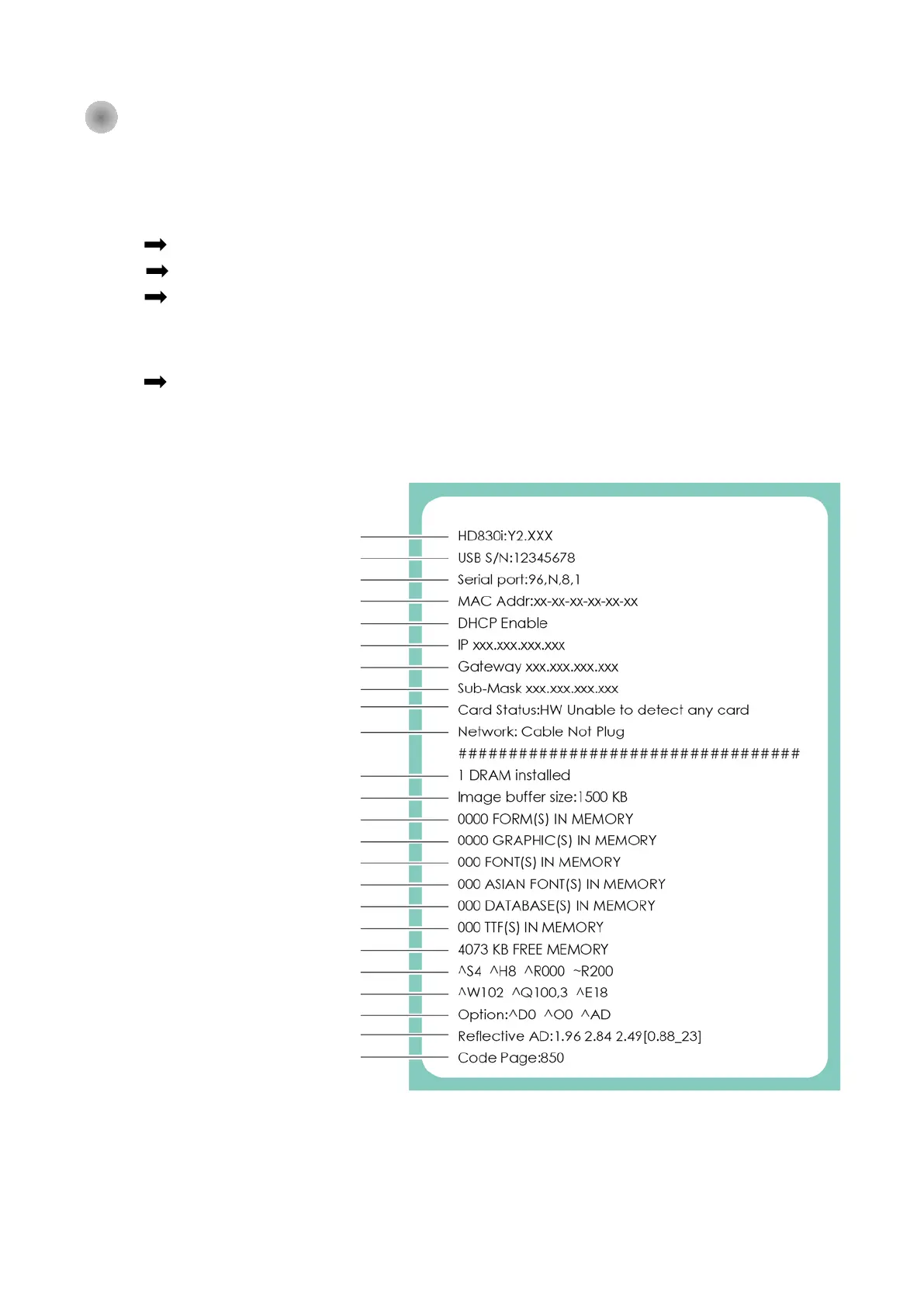
Ste p.04 O nc e the p rinte r ha s suc c e ssfully me a sure d the la b e l sto c k, it will p rint a se lf-te st la b e l.
The c o nte nts o f a se lf-te st p rinto ut a re liste d b e lo w.
(The d a ta b e lo w is fo r re fe re nc e o nly, a c tua l re sult ma y va ry a c c o rd ing to e a c h situa tio n.)
Printer Model and Firmwave info
Speed, Darkness, Ref. Point, print direction
Media width,length, gap setting info
Reflective Detecting Info



 To Next Page