2 Printe r Se tup
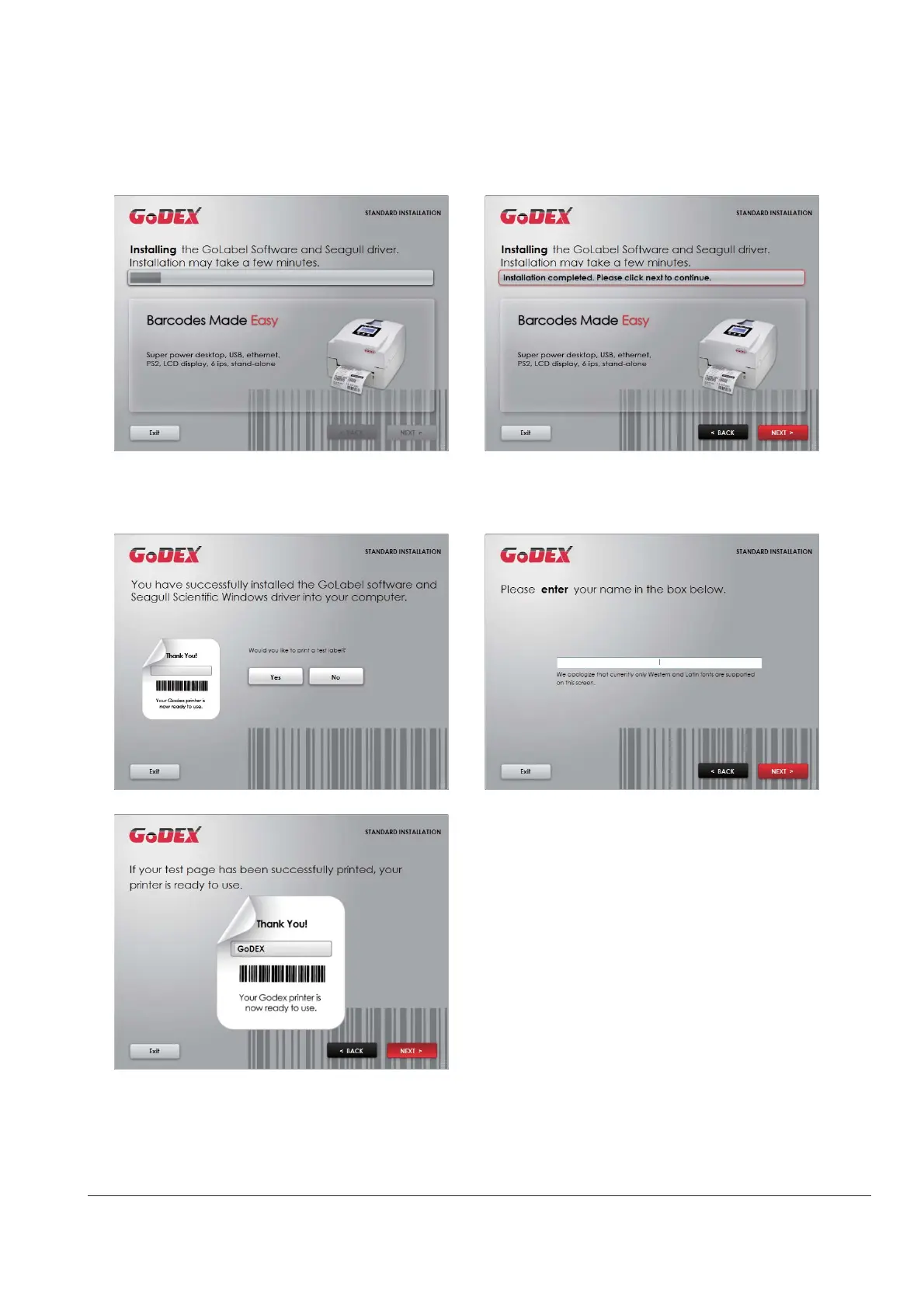
4. As the p rinte r d rive r a nd G o La b e l a re insta lling , a sc re e n will d isp la y a p ro g re ss b a r. While d o w nlo a d ing
c o m p le te d yo u will se e Insta lla tio n c o mp le te d . C lic k “ NEXT” to c o ntinue .
5. Yo u c a n a lso p rint a te st la b e l. If d o n’ t p rint a te st la b e l, the sc re e n d isp la y a s ste p 6.
* If yo u ne e d mo re re so urc e s, to o ls o r re fe re nc e d o c ume nts, yo u c a n a lso find the m o n Sup e r Wiza rd C D.
Just c lic k “ O the r C ho ic e s” o n the We lc o me Sc re e n to a c c e ss the file s.
No te



 To Next Page