3 Printe r Se tting a nd C o ntro l
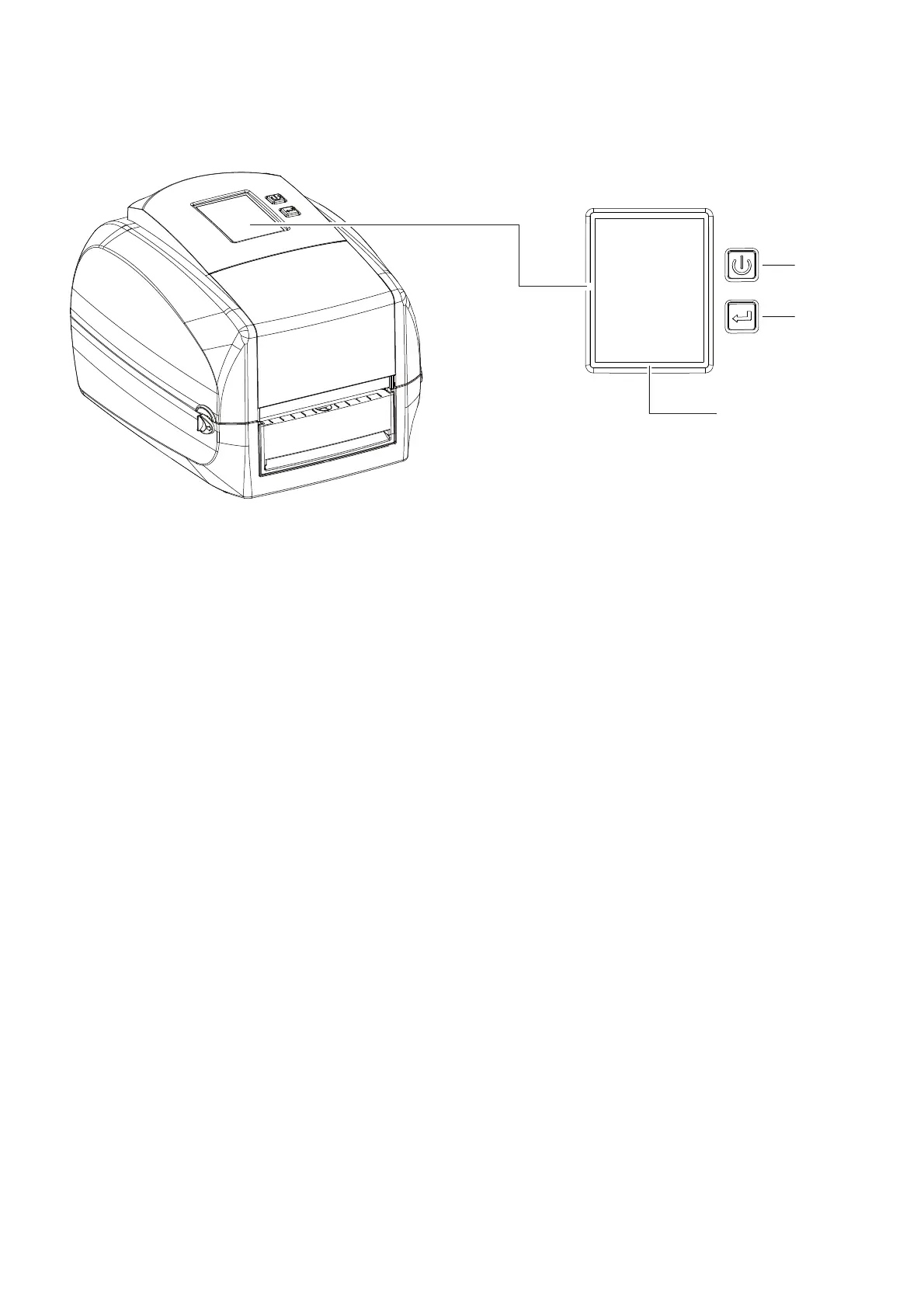
3.1 O p e ra tio n Pa ne l
PO WER Butto n
Pre ss the POWER b utto n to turn o n the p rinte r, a nd the START UP SCREEN a p p e a rs. The p rinte r is o n “ re a d y to p rint”
sta tus, the LC D sc re e n sho uld d isp la y the m e ssa g e “ READY“ o n the sc re e n.
Whe n p rinte r is turne d o n, ho ld a nd p re ss d o wn the POWER b utto n fo r 3 se c o nd will turn the p rinte r o ff.
FEED Butto n
Whe n yo u p re ss the FEED b utto n, the p rinte r will a d va nc e me d ia until the FEED b utto n is re le a se d .
If yo u a re using c o ntinuo us la b e ls, p re ssing the FEED b utto n w ill a d va nc e a le ng th o f me d ia until the b utto n is re le a se d .
If yo u a re using me d ia with g a p s, p re ssing the FEED b utto n o nc e will a d va nc e o nly o ne la b e l.
If the la b e l d o e s no t sto p a t the c o rre c t p o sitio n, yo u ne e d to run the a uto -d e te c tio n func tio n fo r yo ur me d ia ,
p le a se se e Se c tio n 3.4 La b e l C a lib ra tio n a nd Se lf-Te st.
PA USE PRINTING _FEED Butto n
Pre ssing the FEED b utto n d uring p rinting will inte rrup t p rinting , a nd the LC D d isp la y me ssa g e “ PAUSE...” .
Whe n the FEED b utto n is p re sse d a g a in, the p rinte r re sume s p rinting . Exa mp le : While a 10-la b e l p rint jo b is running ,
yo u p re ss the FEED b utto n to p a use the p rinte r. Tw o o f the la b e ls ha ve b e e n p rinte d . To re sum e p rinting a nd p rint the
re ma ining e ig ht la b e ls, yo u will ne e d to p re ss the FEED b utto n a g a in.
C ANC EL PRINTING _FEED Butto n
Pre ss a nd ho ld the FEED b utto n fo r 3 se c o nd s d uring p rinting , the c urre nt p rint jo b will b e c a nc e lle d .
Exa mple : While a 10-la b e l p rint jo b is running , yo u p re ss the FEED b utto n. Two o f the la b e ls ha ve b e e n p rinte d .
The p rint jo b is c a nc e lle d a nd the re m a ining e ig ht la b e ls will no t b e p rinte d .
O PERATIO N TO UC H PANEL
FEED BUTTO N
PO WER BUTTO N
TO UCH PANEL
22



 To Next Page