3 Printe r Se tting a nd C o ntro l
Ke ybo a rd Mo de
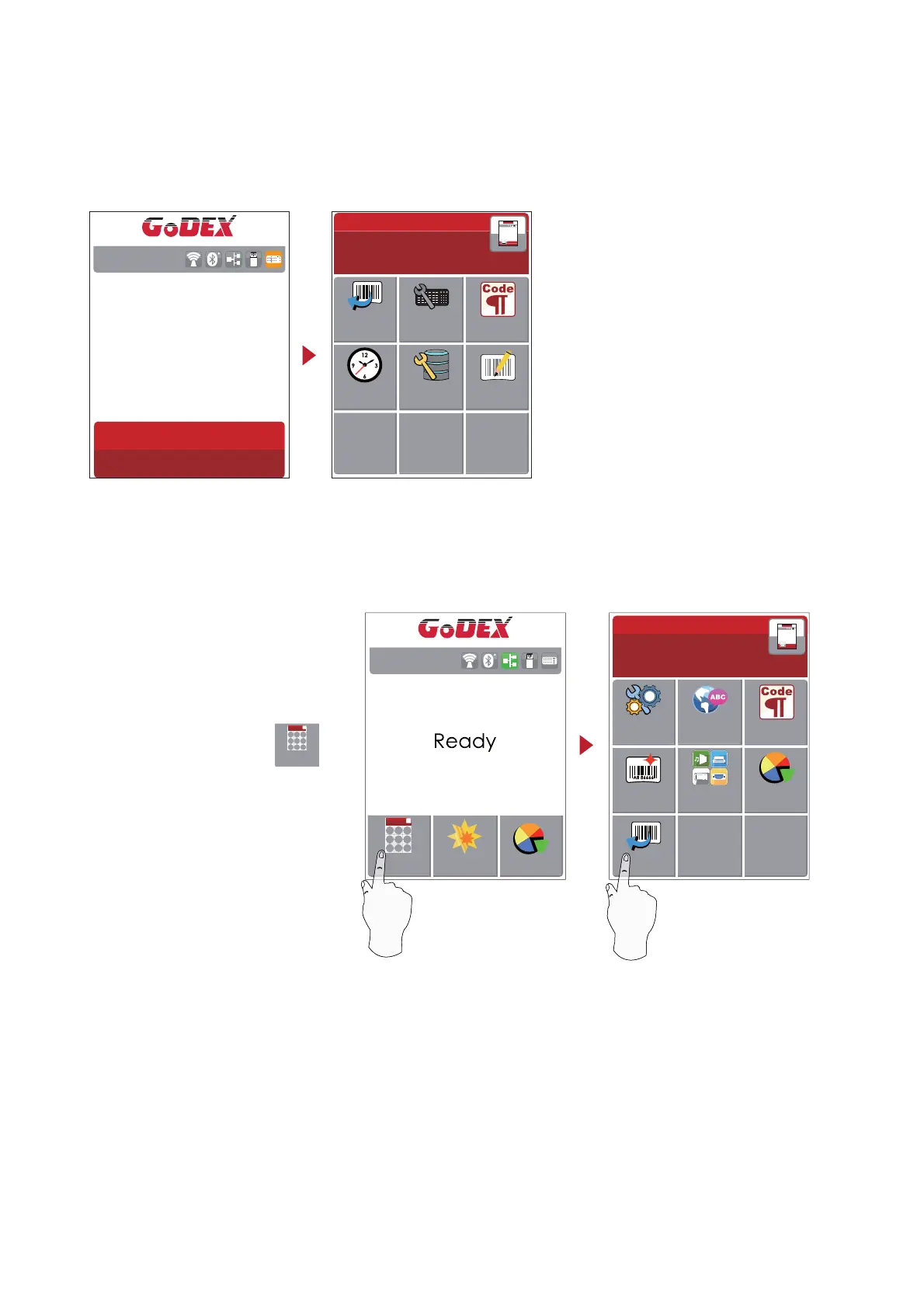
Whe n p lug -in a n USB ke yb o a rd to the p rinte r, LC D to uc h p a ne l will d isp la y “ Ente r Sta nd a lo ne ” , p re ss the “ Y” ke y
o n ke yb o a rd to e nte ring to the d ia lo g fo r “ Ke yb o a rd Mo d e ” o p e ra tio n.
RT8XXi V2.004
Ente r Sta nd a lo ne
(Y/ N)
Pre vie w La b e l func tio n
Use r c a n c ho o se a ny la b e ls to p re vie w it b e fo re p rint it.
Wizard
Te st
Ma in
RT8XXi V2.004
Fro m the “ Re a d y” p a g e , ta p
to Ma in p a g e
Fro m the Ma in p a g e ta p Re c a ll La b e l
to Re c a ll La b e l p a g e .
Ma in
Ke yb o a rd Mo d e
C o untry
C o d e
La b e l
Ed it
Da ta b a se
Se tting
C o d e p a g e
Re c a ll
La b e l
C lo c k
Se tting
Ma in
LC D
La ng ua g e
Printe r
Se tting s
La b e l
Se tting s
De vic e s
Printe r
C o ntro l
C o d e p a g e
Re c a ll
La b e l
26



 To Next Page