3 Printe r Se tting a nd C o ntro l
Sta tus of LC D Inte rfa c e
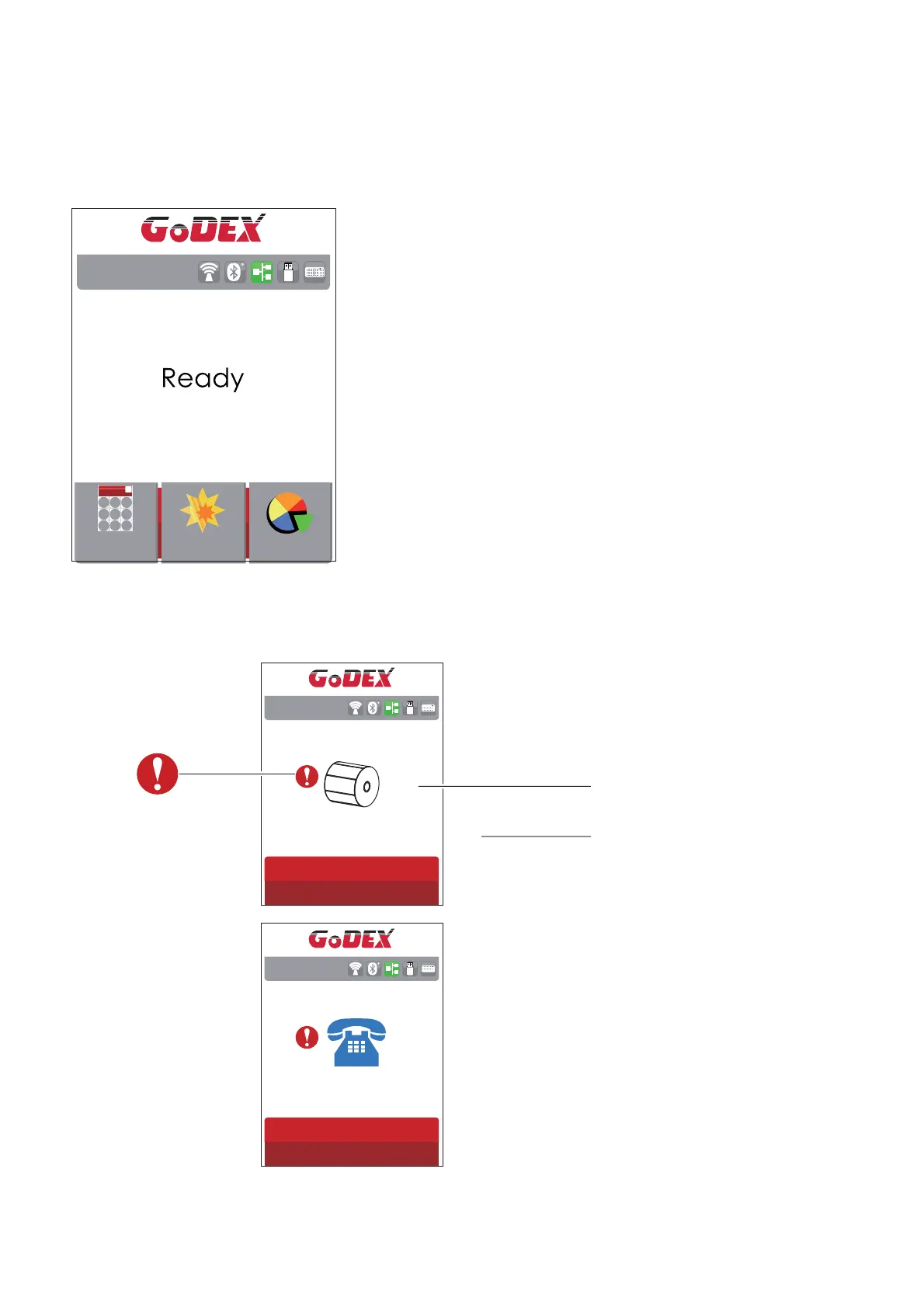
Whe n p rinte r is o n sta nd b y sta tus (re a d y to p rint), the LC D inte rfa c e will d isp la y “ Re a d y” o n sc re e n.
Yo u c a n o nly p rint w he n yo u se e the “ Re a d y“ sta tus.
Wiza rd
Te st
Ma in
RT860i V2.004
If the re is a ny p rinte rs e rro r, the LC D sc re e n will d isp la y the e rro r sc re e n to sho w the typ e o f e rro r.
Yo u c a n fix the e rro r a c c o rd ing the no tic e o r c o nta c t the sup p lie r.
WARNING IC O N
ERRO R IC O N
ERRO R DESC RIPTIO N
RT860i V2.004
C he c k Me d ia
RT860i V2.004
Any sup p o rt ne e d e d
p le a se c o nta c t yo ur sup p lie r
32



 To Next Page