17
1. Focus the subject
2. Press the <FEL> button.
• Aim the subject at the center of the viewfinder and press <FEL> button.
• The camera flash will fire a preflash and the required flash output for the subject
in retained in memory.
• Each time the <FEL> button is pressed, a preflash will be fired and a new flash
exposure setting will be locked.
• If the subject is too far away and underexposure, the < > icon will blink in the
viewfinder. Move closer to the subject and try the FE lock again.
• If <ETTL> is not displayed on the LCD panel, FE lock cannot be set.
• If the subject is too small, FE lock might not be very effective.
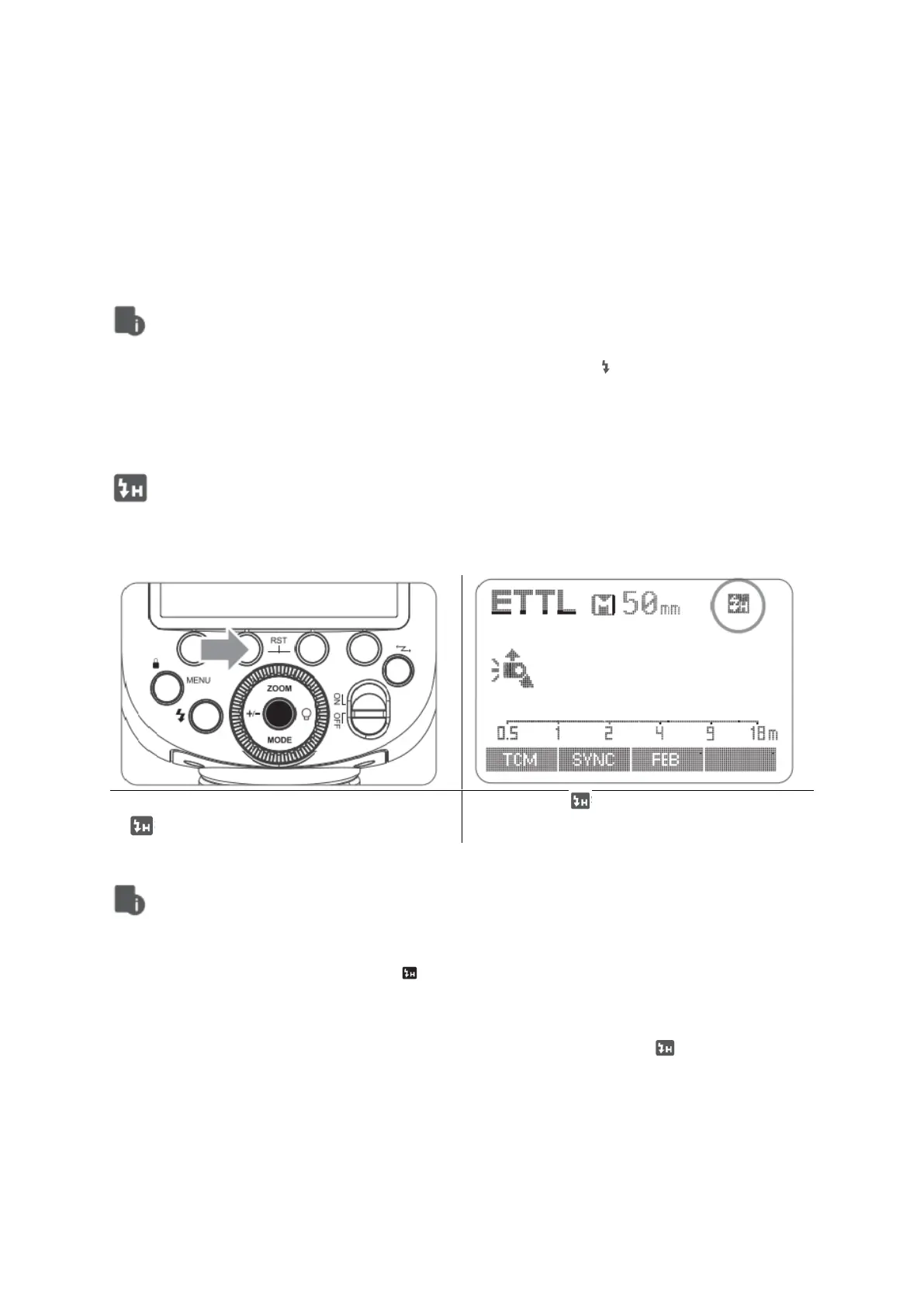
High-Speed Sync
High Speed Sync (FP flash) enables the flash to synchronize with all camera shutter
speeds. This is convenient when you want to use aperture priority for fill-flash portraits.
• If you set a shutter speed that is the same as or slower than the camera’s
maximum flash sync speed, < > will not be displayed in the viewfinder.
• With high-speed sync, the faster the shutter speed the shorter the effective flash
range.
• To return to normal flash, press <SYNC> button again. Then < > will disappear.
• Multi flash mode cannot be set in high-speed sync mode.
• Over-temperature protection may be activated after 15 consecutive high-speed
sync flashes.



 To Next Page