47
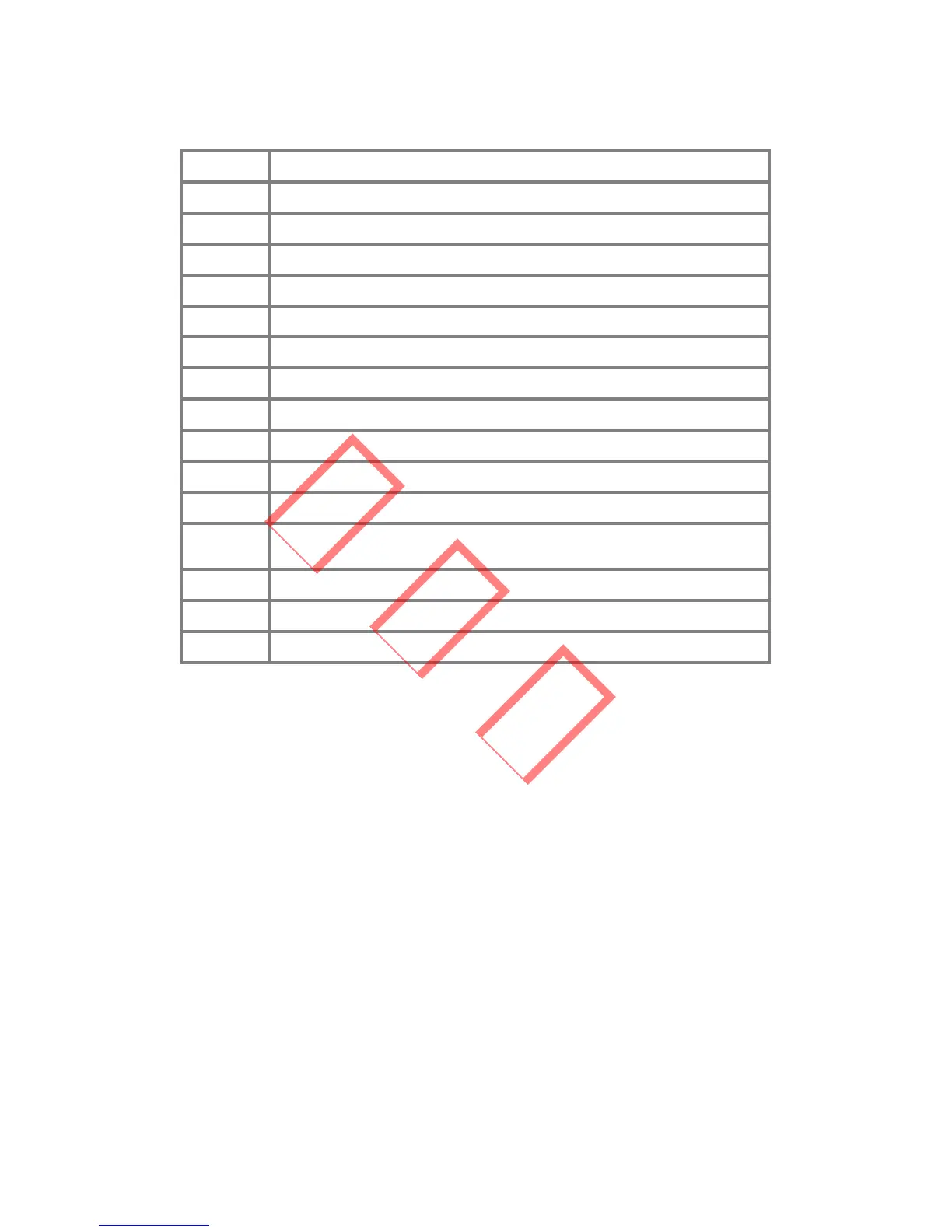
17 Pv input voltage is over the tolerable maximum value
18 NA
19 Over temperature fault
20 NA
21 Dc bus fault
22 Ground current is too high
23 Grid voltage =0
24 NA
25 Device Fault
26 Dc Bus voltage is too high.
27 NA
28 Different value between Master and Slave for GFCI
29 Different value between Master and Slave for output DC
current
30 The 2.5VDSP reference voltage is abnormal
31 The output DC current sensor is abnormal
32 The GFCI detecting circuit is abnormal
4.5 ID RESET
Keep single-pressing the key until the LCD displays “Wireless
ID Reset”, then Long press (2S) the button until the LCD
displays “ID Resetting …”. Stop pressing and wait for the
screen to show “ID Reset Successful” or “ID Reset Failed”.
NOTE: This function is only available for inverters which
support wireless function. When the wireless monitoring
device can’t connect to the inverter, you can try to use the ID
reset function.



 To Next Page