Setup
312394C 17
Setup
Level Sensor Calibration
Polyethylene Tanks
1. Empty tanks by executing multiple shots.
2. Relieve pressure. See Pressure Relief Procedure,
page 16.
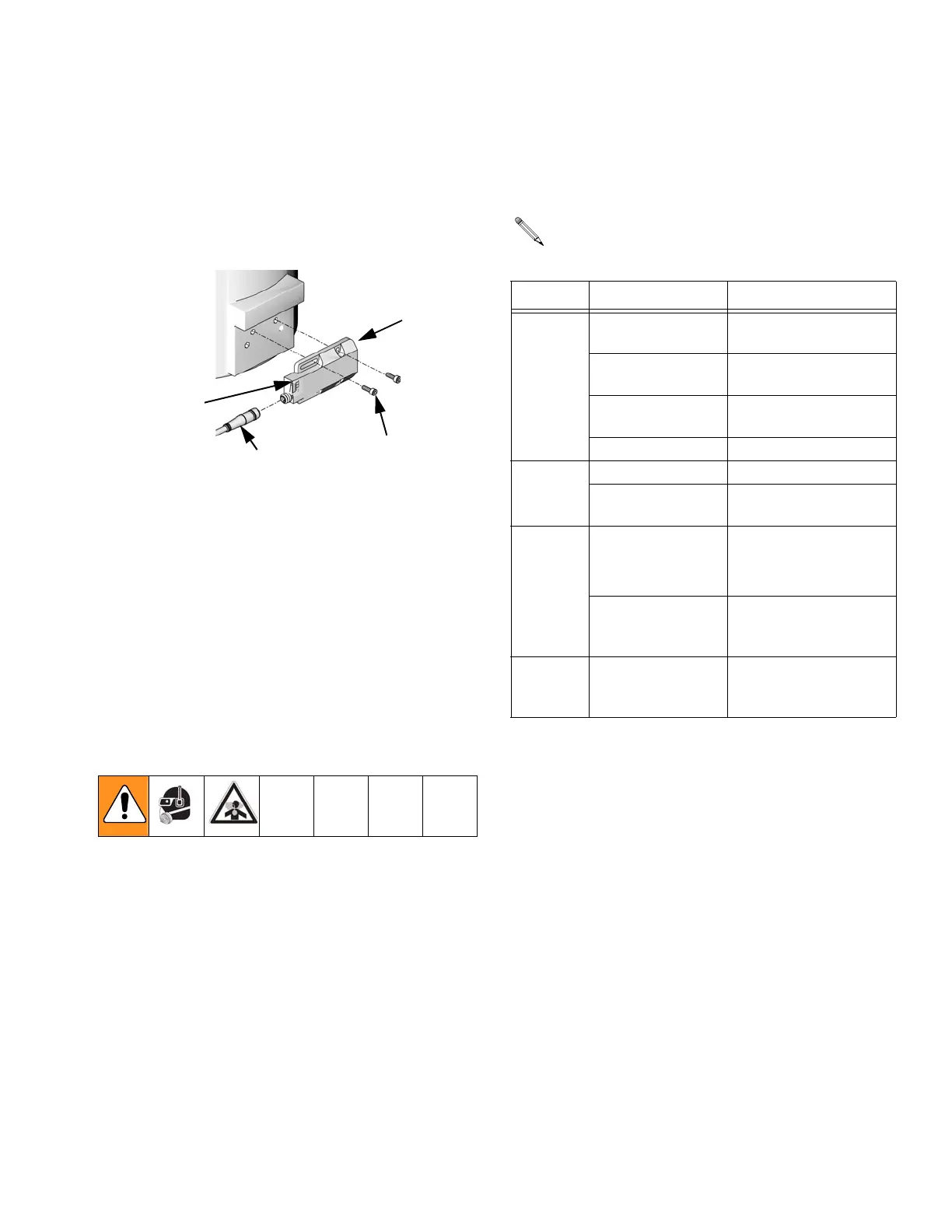
3. With the level sensor installed, locate the teach ele-
ment. It will be marked with a “bulls-eye.”
4. Activate the teach element by holding a screw-driver
near the bulls-eye until the green LED begins flash-
ing but for no more than five seconds.
5. After a short time, the green LED will stay lit continu-
ously. This signals that the sensor is now in stan-
dard operating mode.
6. Using appropriate protective wear, check the sensor
for proper operation by reaching inside the tank and
placing hand in the area of the sensor. A green and
yellow LED with a hand next to the sensor indicates
proper functioning.
Polyethylene Tank Sensor Diagnostics
2003
2001
2002
Teach
Element
ti12493a
A solid red state does not indicate malfunction of
the unit. It indicates that material level is a little
above or below the sensor.
State Action Description
Green
On
Unit is ready for opera-
tion
Flashes slow
(once per second)
Sensor is self-adjust-
ing to empty state
Flashes fast (twice
per second)
Sensor is self-adjust-
ing to full state
Off Locking mode
Ye l l ow
On Sensor sees material
Off
Sensor does not see
material
Red
On
Material level is a little
above or below the
sensor
Flashes very fast
(eight times per
second)
Adjustment error or
internal fault
Red and
Ye l l ow
Together
Flashing fast
(twice per second)
Short circuit in the
switching output



 To Next Page