40
11.1.3 System Setup
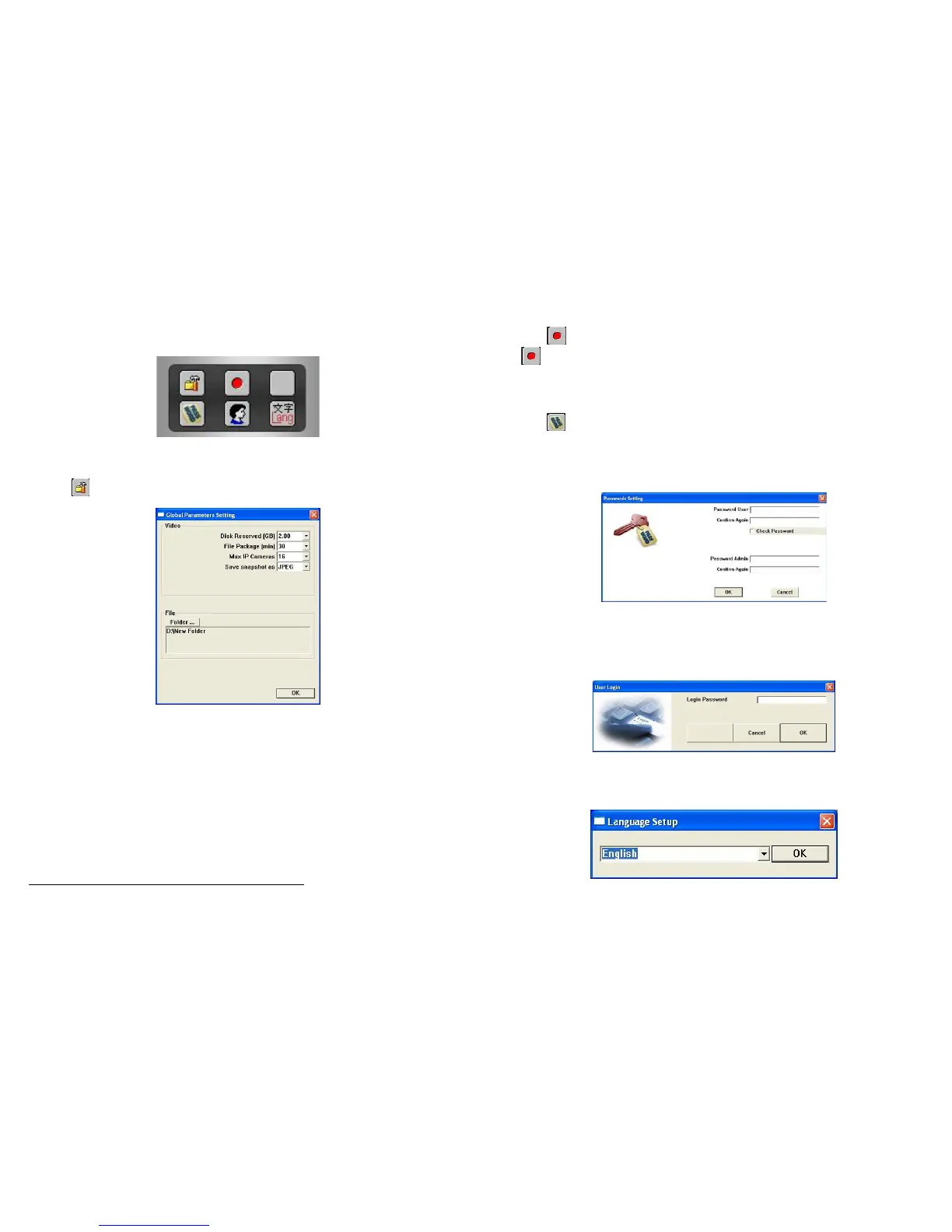
System Setup include: Global Parameters, Record All Channels, Account Manager, Login and
Language.
11.1.3.1 Global Parameters Setting
Press the
button and the Global Parameters Setting window will be displayed.
(1) Video
Disk Reserved (GB): Set the free space reserved in each HDD.
File Package (min): To separate the recording file by minutes (30 as default).
Device Max: The maximum devices supported from 1 to 16 up to the device installed.
Save snapshot as: Select the snapshots in BMP or JPEG format.
(2) File
Press the Folder… button to select the folder which stores the snapshots or recording files.
NOTE: Press the OK button to save and apply the configuration.
41
11.1.3.2 Record All Channels
Press the
button to record all of the available channels according to the scheduler setting. Press
the
button again to stop recording.
11.1.3.3 Account Manager
Press the
button to open the Passwords Setting window. You can set a user’s password and an
administrator’s password.
If the Check Password is selected, the users must enter the passwords when login.
11.1.3.4 Login: Enter the passwords of User or Administrator to switch between user and administrator
accounts.
11.1.3.5 Language: Select the OSD language.



 To Next Page