CE5000-UM-251-9370 6-21
6 DISASSEMBLY AND REASSEMBLY
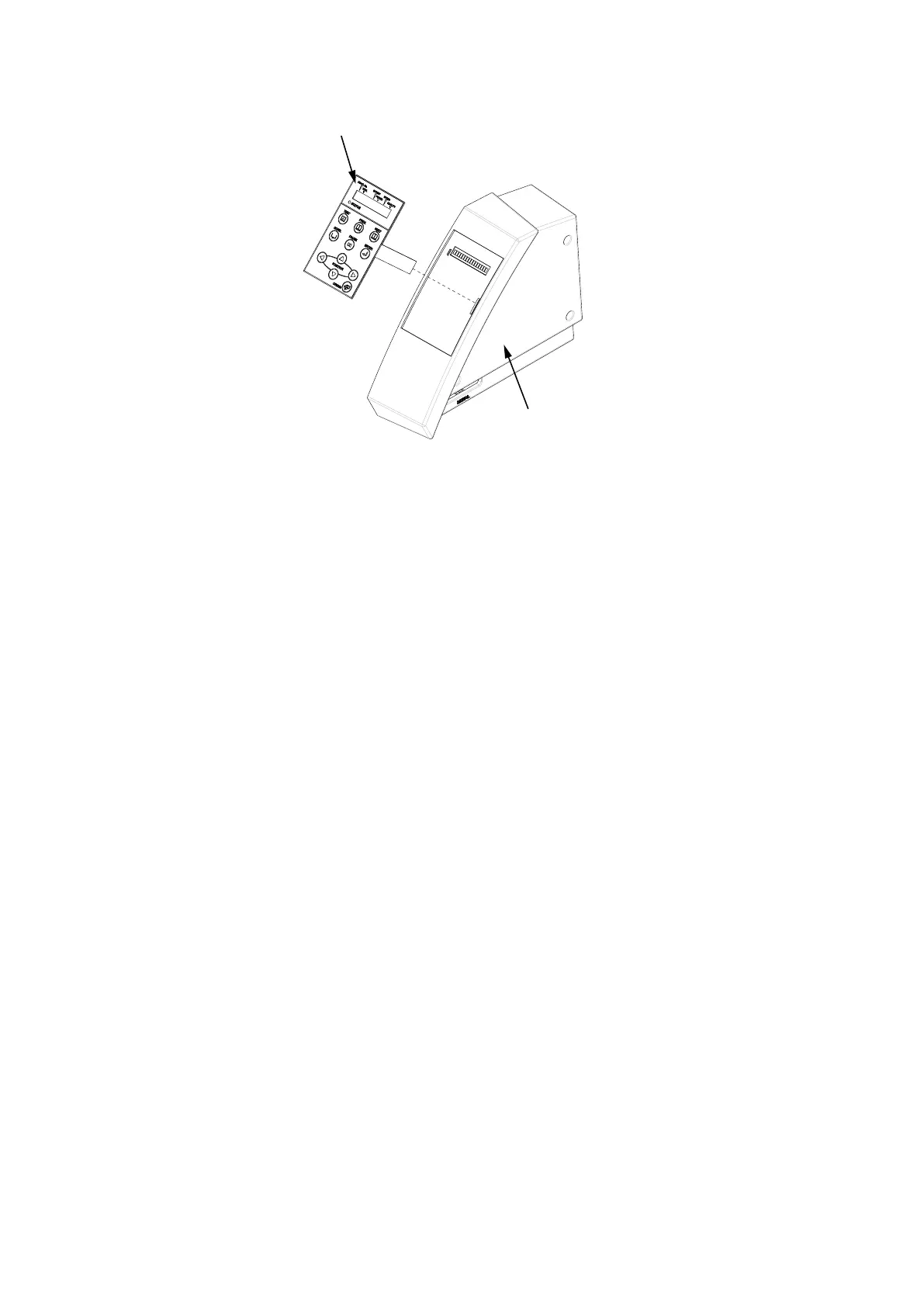
(8) Peeloffthemembraneswitchpanelfromtherightsidecover.
Membrane switch panel
Right side cover
How to reinstall the control panel relay board, LCD assembly and membrane switch panel
(1) Cleanthesurfaceoftherightsidecoverwithalcoholwherethemembraneswitchpanelwasattached.
(2) Reattach the LCD assembly to the right side cover.
(3) AttachthemembraneswitchpaneltotherightsidecoversothatittsaroundtheLCDwindow.
(4) Reattachtheotherpartsinthereverseorderinwhichtheyweredetached.













 To Next Page