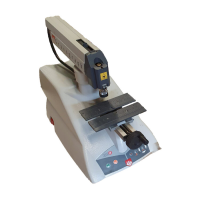
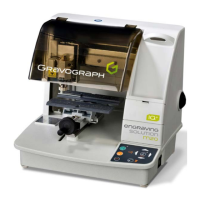
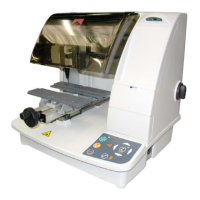
IS200 TX machine . 22
First contact
Installing the engraving software in Windows
1. Check that your computer has the minimum required configuration :
PC Computer Configuration
Microprocessor Pentium III
Frequency 800 Mhz
Random Access Memory (RAM) 128 Mo
1 internal hard disk 10 Go with 100 Mo free
1 internal CD-ROM drive x24
1 internal 3"
1/2
disk floppy drive
1 mouse Windows compatible
1 keyboard extended (105 keys)
LPT parallel port 1
USB port (1.1 or 2.0) 1
1 graphic board 32000 colors, 16 bits
1 SVGA color monitor 15", 800x600 resolution
Software environment Windows XP
Internet Explorer 5 (or more)
Acrobat Reader 5 (or more)
Microsoft Word 2000 (or more)
Windows Media Player
Polices Arial, Microsoft Sans Serif, Verdana
2. Insert the CD-ROM in the drive and close the drive.
3. Wait until the Installation screen is displayed.
Double-click the CD-ROM icon if the installation is not self-opening.
4. The installation automatically runs : the Progression bar and panel indicate the course of
operations.
5. Click to quit the Installation panel.
6. Run GravoStyle : Click its icon on the desktop.
Windows create automatically a virtual USB port as soon as the machine and the
PC computer are connected and switched on.
From your engraving software, install a "generic/text only" printer.
Then indicate from Windows (printer properties) the virtual USB port created
previously by Windows as the destination port of this "generic/text only" printer.



 To Next Page