First contact
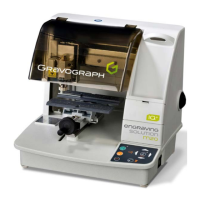
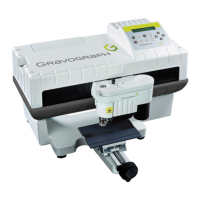
IS200 TX machine . 33
Adjusting the machine
After a certain period of use the 'O' mark on the IS200 TX can alter slightly (the centre of the engraving area is
not quite aligned with the clamping system in the centered position : marks on the TX vice on 0 for front-to-back
and left-to-right).
IS200 TX has a very simple adjusting system which can be manipulated by the user (this avoids returning the
machine to the distributor).
When the index of the vice are adjusted to 0, if you notice a gap between your measurements when engraving,
adjust the machine.
To adjust the machine
1. Switch on the IS200 TX machine.
<<GRAVOGRAPH>>
- VERSION xx.xx -
2. When this message is displayed press
Z SCREW = 5.08
to select
Don't modify this parameter.
3. Validate.
SPINDLE ORIG. ADJUST
to confirm
4. Take off the jigs
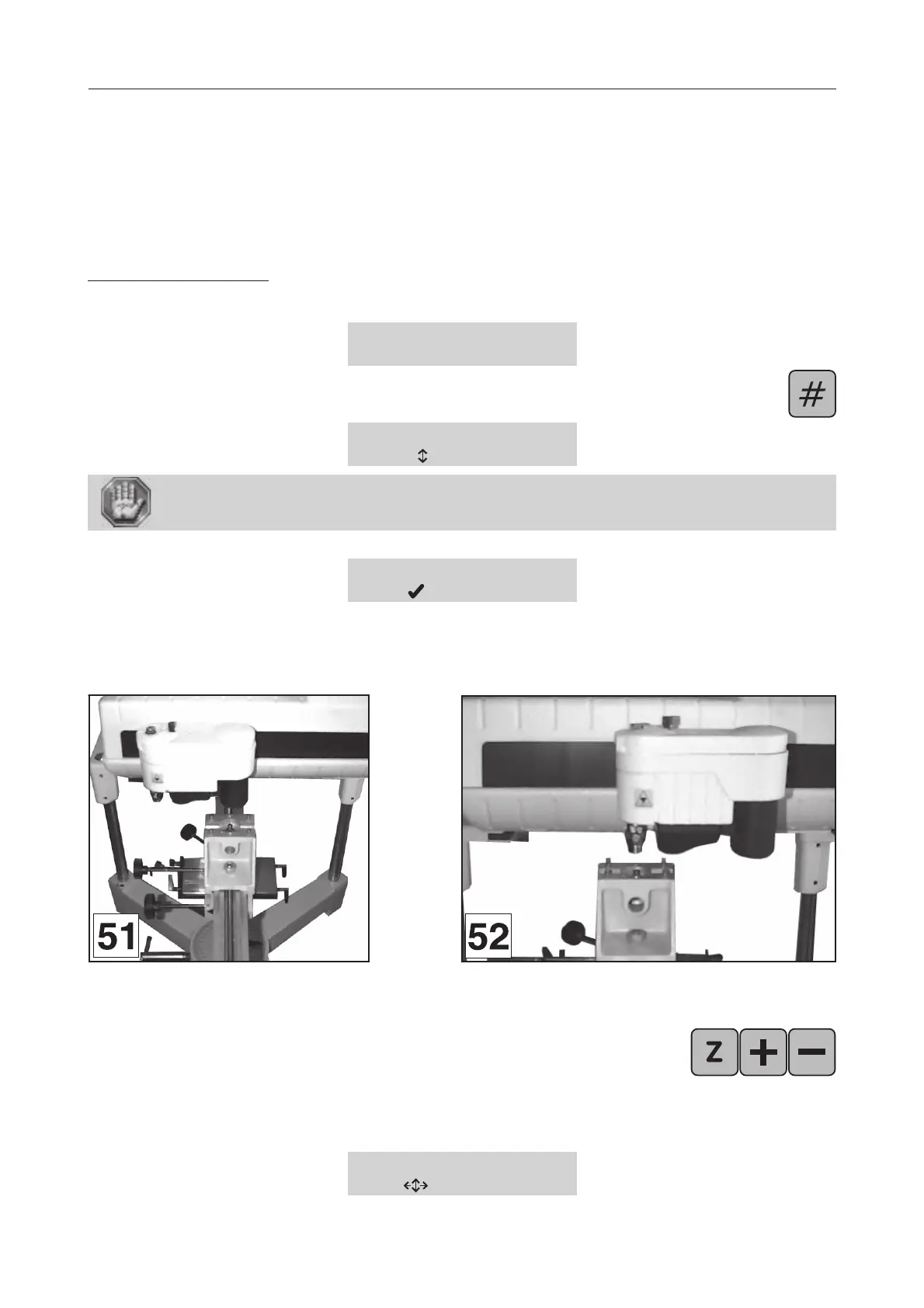
5. Put the cutter button between the jaws of the vice and tighten using the tightening button
(diagram 51).
6. Push the spindle down until the fixed nut of the nose is about 10 mm away
from the button.
7. Validate.
The tool-holder moves towards the centre of the vice (diagram 52).
SPINDLE ORIG. ADJUST
to change



 To Next Page