First contact
L-SOLUTION 700 / 800 / 900 machines . 79
INFO sub-menu
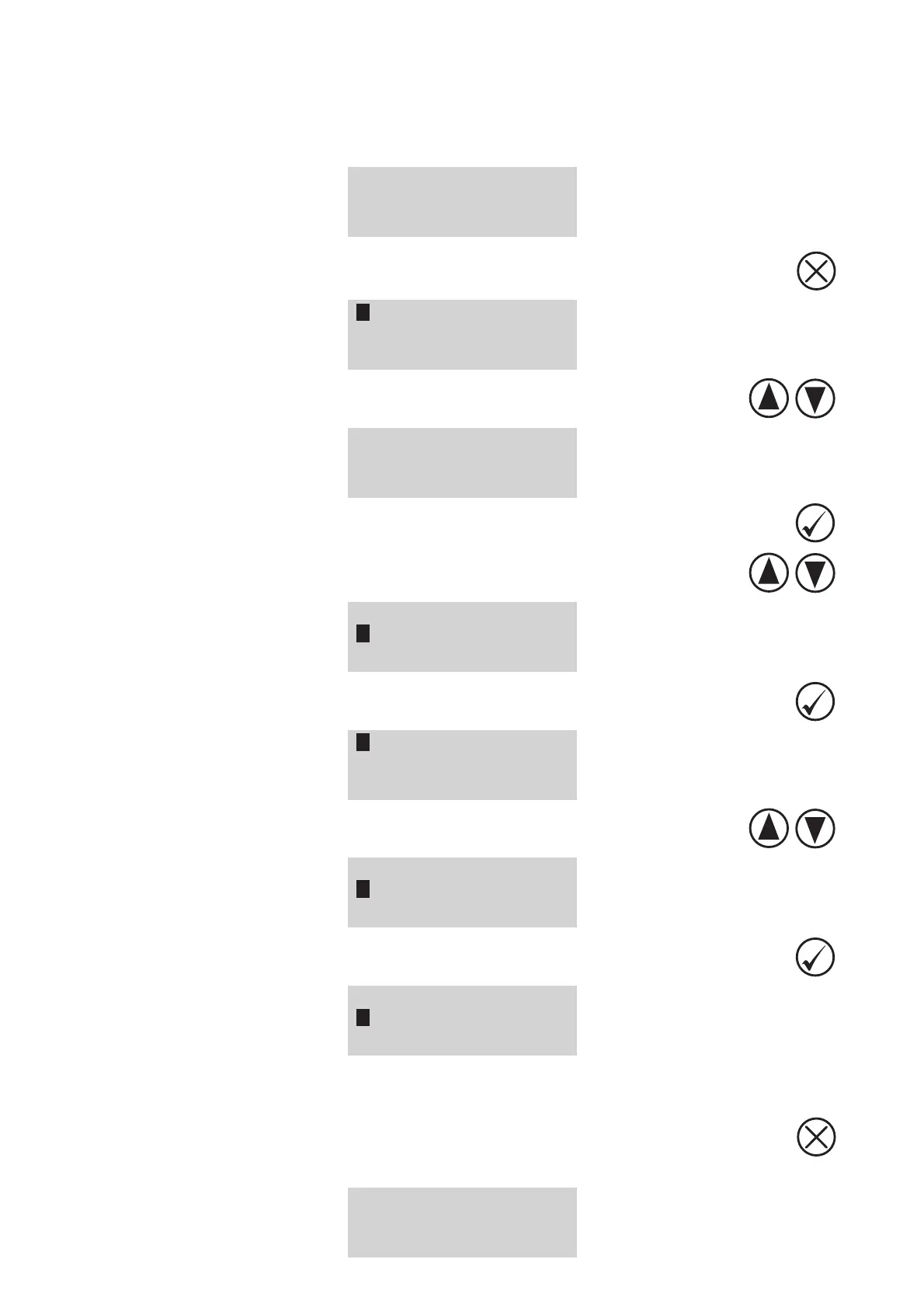
(diagram 1)
1. Switch on the L-SOLUTION machine (main stop button (L) in I position).
Wait for the following message to appear on the screen:
<READY TO RECEIVE>
001 FILENAME1
PUI 40 VIT 10
DPIX 400 DPIY 400
2. Press the "CANCEL" key
PARAMETERS
FILE
INFO
CONFIGURATION
3. Select the FILE sub-menu using the arrows keys
PARAMETERS
FILE
INFO
CONFIGURATION
4. Validate
5. Select the FILENAME line using the arrows keys
# : 1 0:01:29
001 FILENAME1
PUI 40 VIT 10
DPIX 400 DPIY 400
6. Validate
001 FILENAME1
002 FILENAME2
003 FILENAME3
004 FILENAME4
7. Select the file using the arrows keys
001 FILENAME1
002 FILENAME2
003 FILENAME3
004 FILENAME4
8. Validate
# : 2 0:02:37
002 FILENAME2
PUI 20 VIT 10
DPIX 300 DPIY 300
In addition to the engraving parameters informations (power, speed and resolution) of the selected engraving job (file
"FILENAME2"), the message also displays on the screen the number of time that the engraving work has been realized and
the work time of this job ("0:02:37" - h:min:s).
9. To exit the INFO sub-menu, press
The following message is displayed on the screen:
<READY TO RECEIVE>
001 FILENAME1
PUI 40 VIT 10
DPIX 400 DPIY 400
System operation











 To Next Page