Jaguar II User Manual
Important Information II
HOW TO CUT 3mm LETTERS ?
# To obtain good quality output, narrow width media is suggested. However, if wide media is used,
you should:
1. Position two pinch rollers as close as possible to both edges of the cutting area.
2. Make sure the loaded media is held flat with equal tension across the platen.
3. Suggested operation settings:
Tool force: 55 gf. (or depending on the material)
Cutting speed: 45-50 cm/sec
Tool up speed: 45-60 cm/sec
Smooth cut: DisableCutting
Quality: Small Letter
HOW TO MAKE A LONG PLOT ?
# When you are making a long plot with a roll of heavy and wide vinyl paper you need to use
AUTO UNROLL MEDIA function ( see page 41 ) :
1. If the length of graphic is between 3m and 5m, the cutting speed is better
slower than 45cm/sec and the cutting quality is set as Normal.
2. If the length is longer than 5 m, the CUTTING SPEED is better slower than
30 cm/sec.
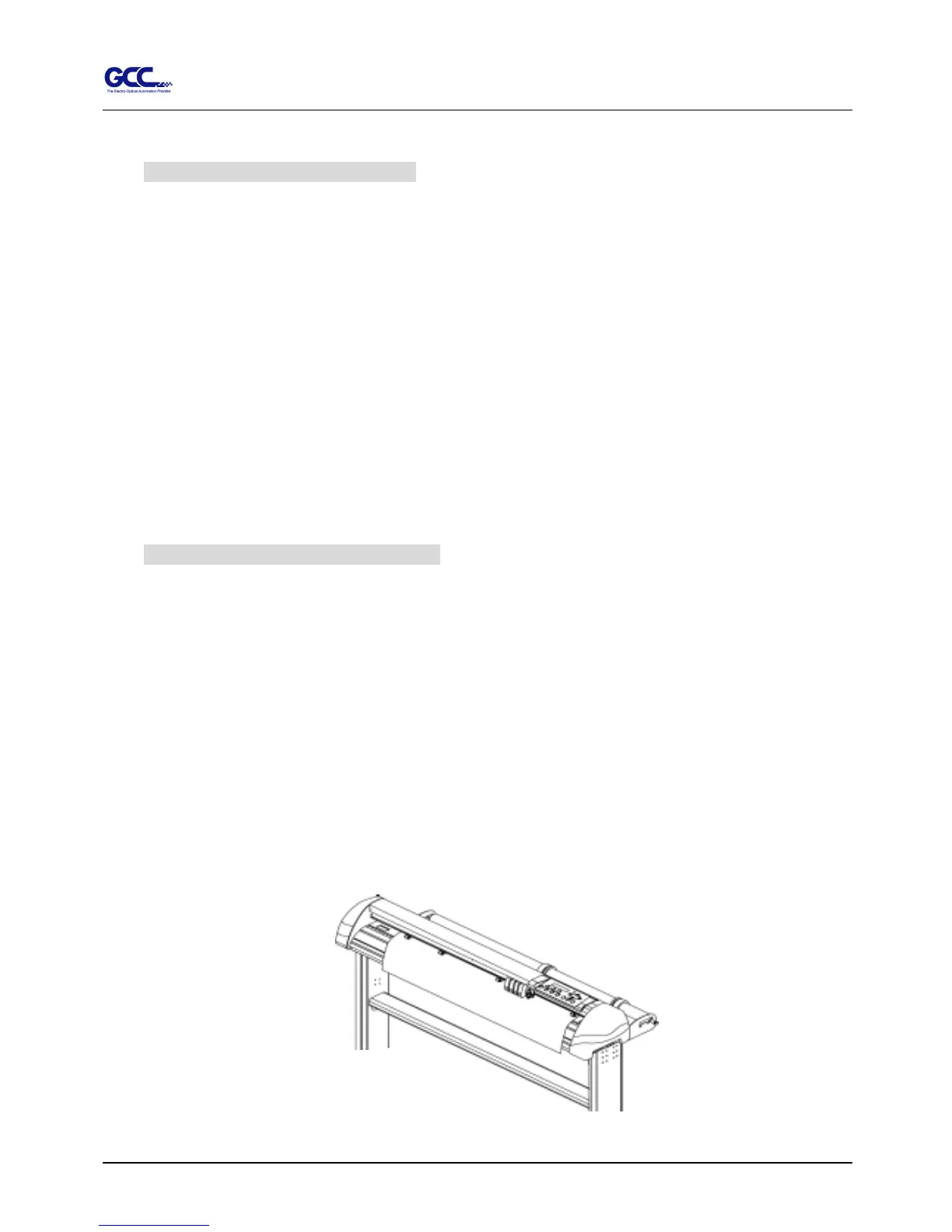
3. After loading the roll media all pinch rollers are raised at this stage, flatten
the media on the platen and hold the front edge of the roll media firmly. (See
Figure 0-1)
Figure 0-1



 To Next Page