Jaguar II User Manual
Quick Menu
Quick Menu V
1. Power ON. (LED lights on)
2. Place the media and lower down the pinch rollers (must position above the grid drums).
3. Sizing - Press the related Arrow Keys for roll (cut from the current position), edge (cut from the
edge) or single.
4. Setup computer and connect with cutting plotter properly.
5. On-line condition - Plotter is ready to receive data from computer.
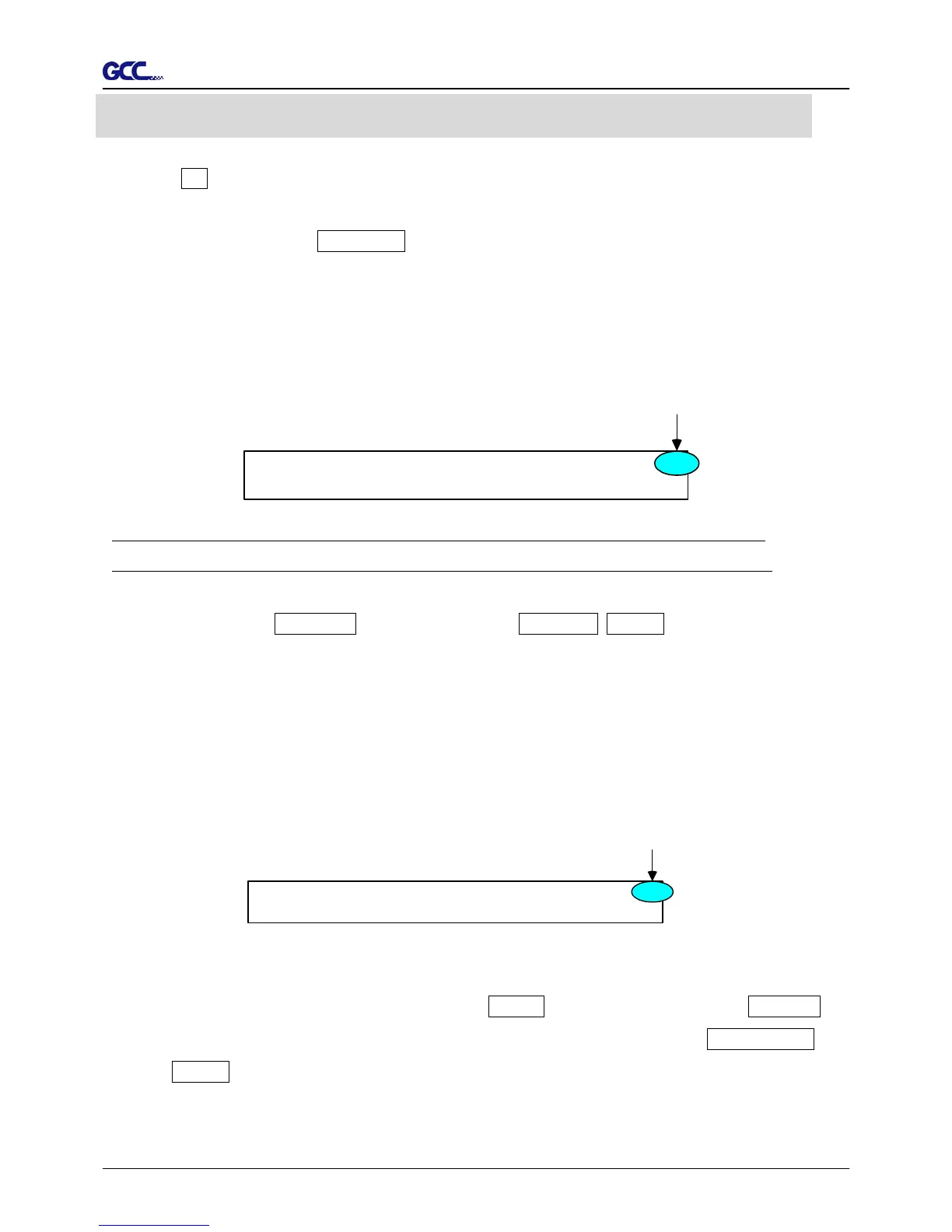
LCM shows:
Rydaeortcveeei
L-: ----.-- W: -- .--
M
--
Only under the “Ready to Receive” can press setup keys, such as CUT_TEST, SPEED_KEY,
FORCE_KEY, OFFSET_KEY, MISC.KEY, TOOL_SELECT_KEY, and also the ARROW_KEYs.
Cutting test - Press CUT TEST, position carriage by arrow keys, ENTER.
Speed/Force/Offset - Press related key to adjust then repeat the step of Cutting Test for best
cutting result.
Function – Recut, Copy, Quality, Setup and Communication Setup follow the instruction shown
on LCM.
6. As the cutting plotter receive data from host, LCM displays as follow:
DPataI
SFO
rncsoes ing
---.-- ---.-- -.---
English Unit
E
When you are at this state, the only key you can press is Pause_Key.
7. Change the setting value during cutting - Press PAUSE, for continue cutting press RESUME.
8. Data Clear - Will terminate the cutting and clear the data in the buffer. Press DATA CLEAR
then ENTER.
Meter Unit



 To Next Page